
Incident management for UK venues
Real time, real action,
real safety
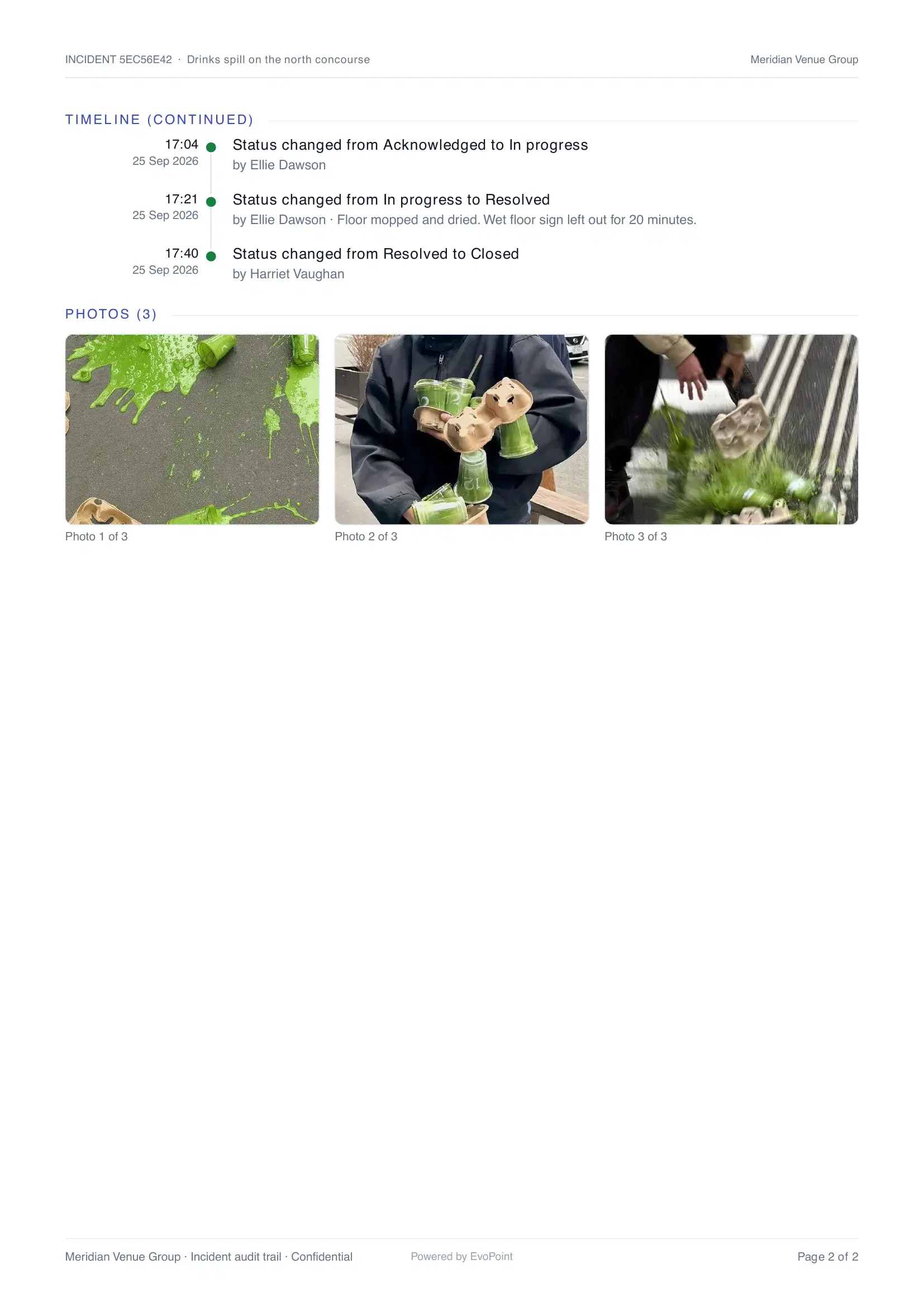
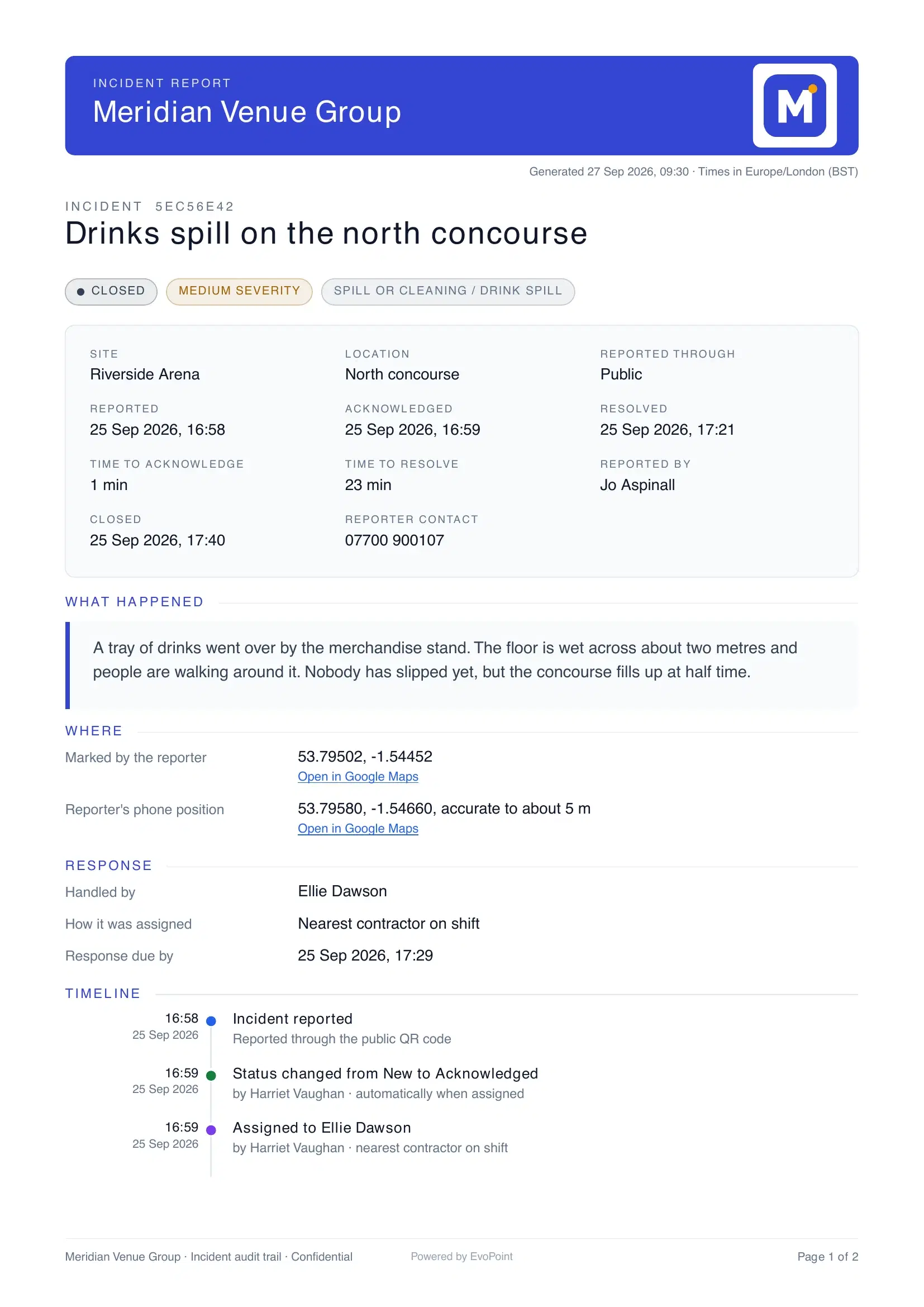
A QR scan reaches your control room in seconds, and ends as a PDF with a full audit trail.
- No app installThe public reporter is a web page behind a QR code
- Live, not refreshedQueue, map and dispatch board update over websockets
- Nearest on shiftSend a job to the closest contractor in one click
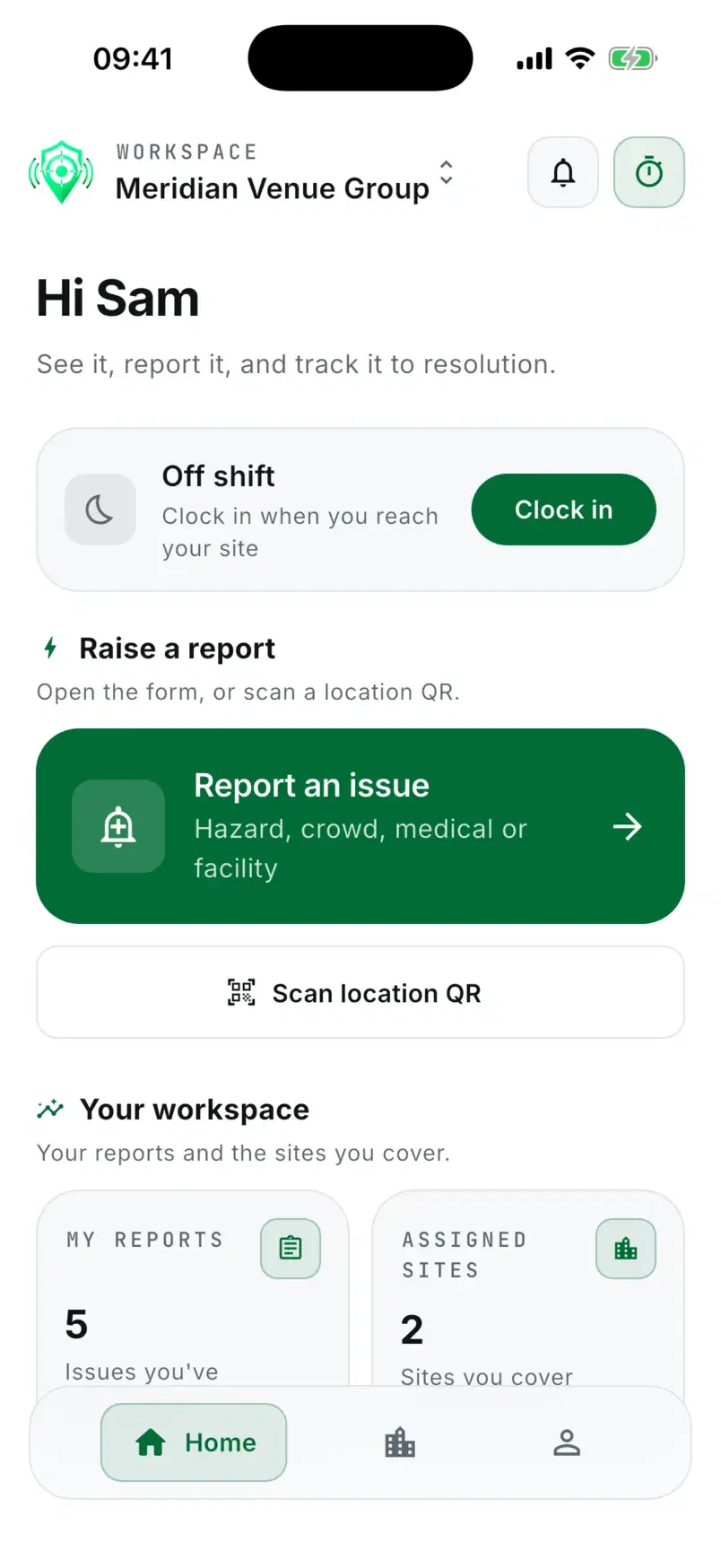
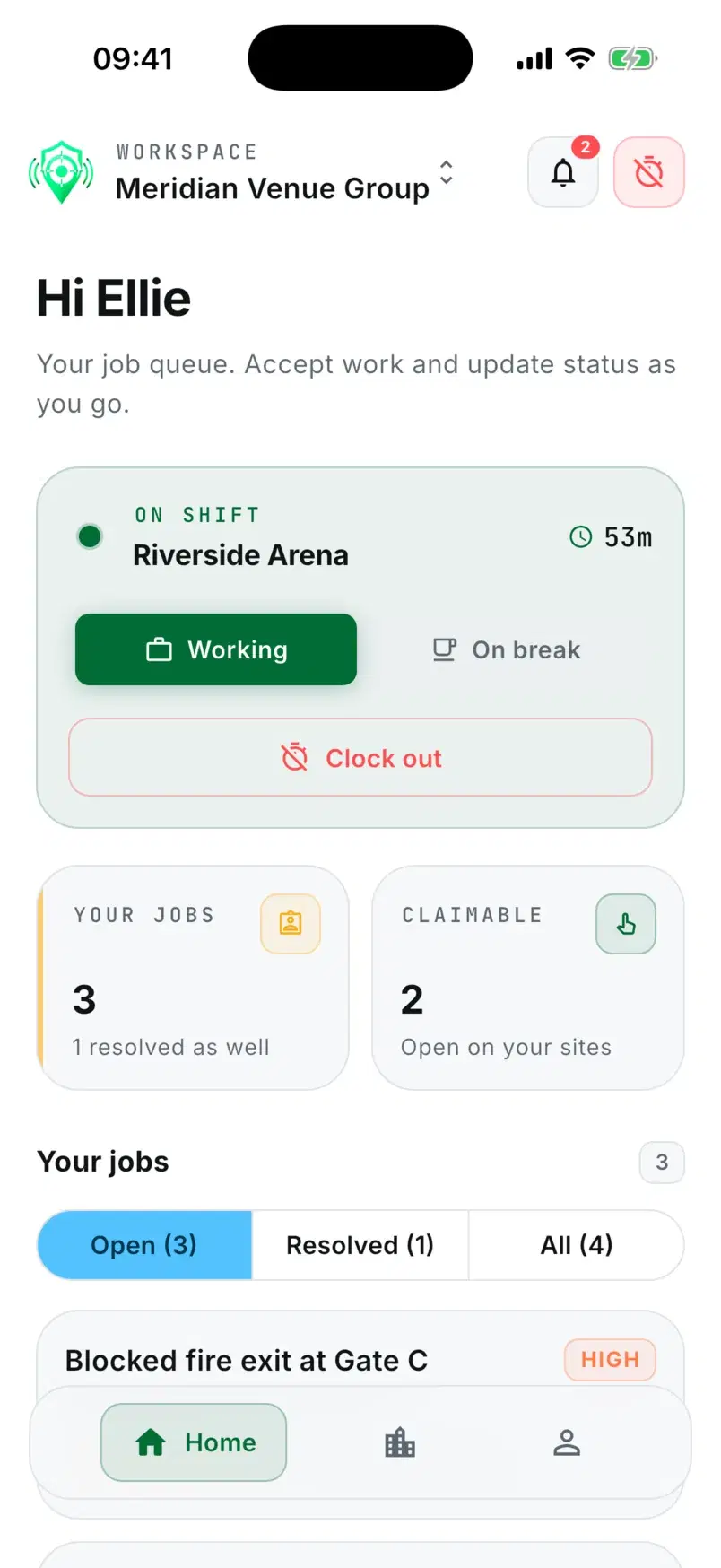
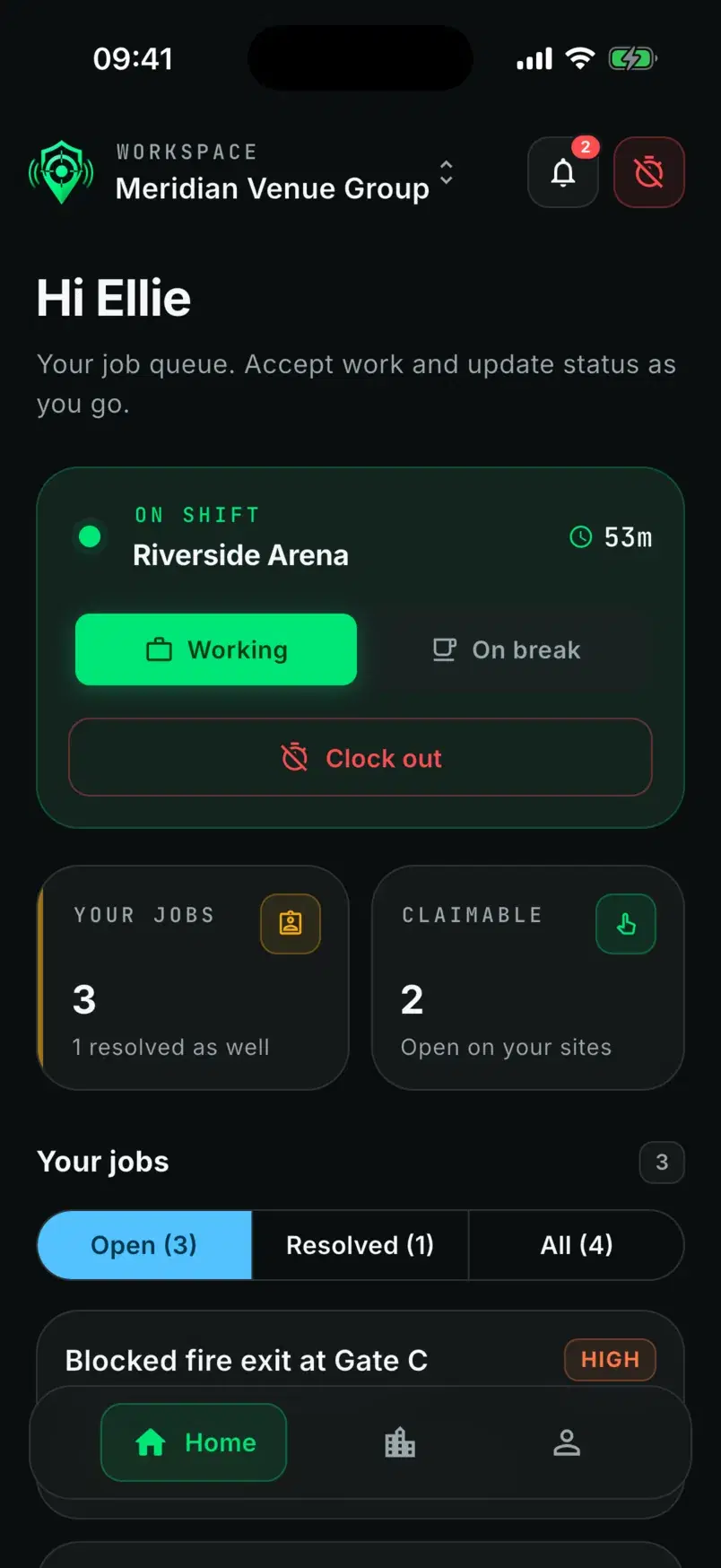
- Staff and contractorsOne mobile app, two roles, magic-link sign in
- Append-only historyEvery state change is logged and entries are never rewritten
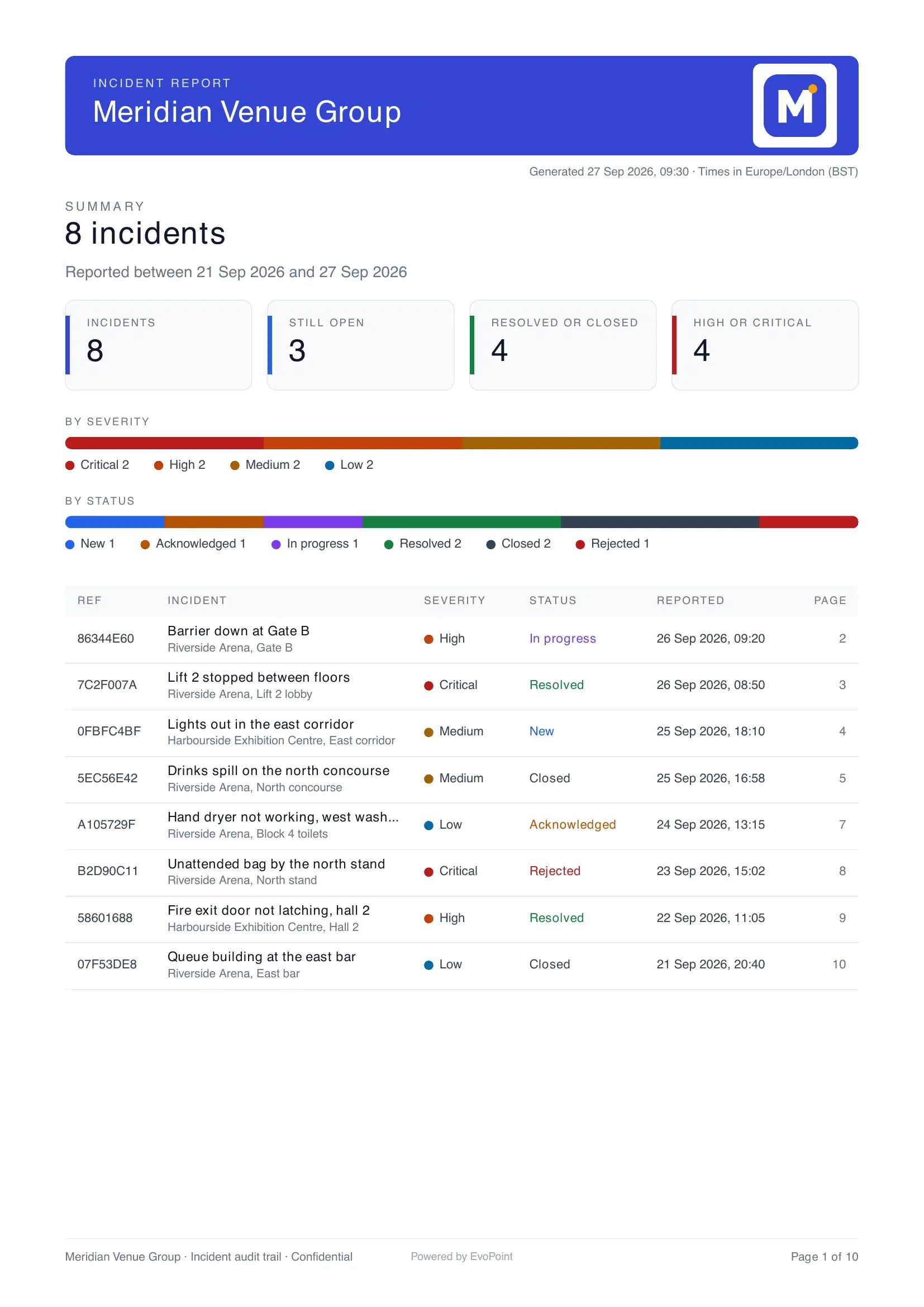
- Branded PDFsUp to 50 incidents per report, in your branding
- Two-factor for adminsA password and a one-time code, every time
- Photo uploads skip the APIStraight to storage, with location metadata stripped
- Tenant isolationWorked out on the server, never taken from the browser
Live map
Every contractor on shift, on the map, live
Incident pins and contractors on shift, moving as they move.
- Open incidents
- On shift
- En route
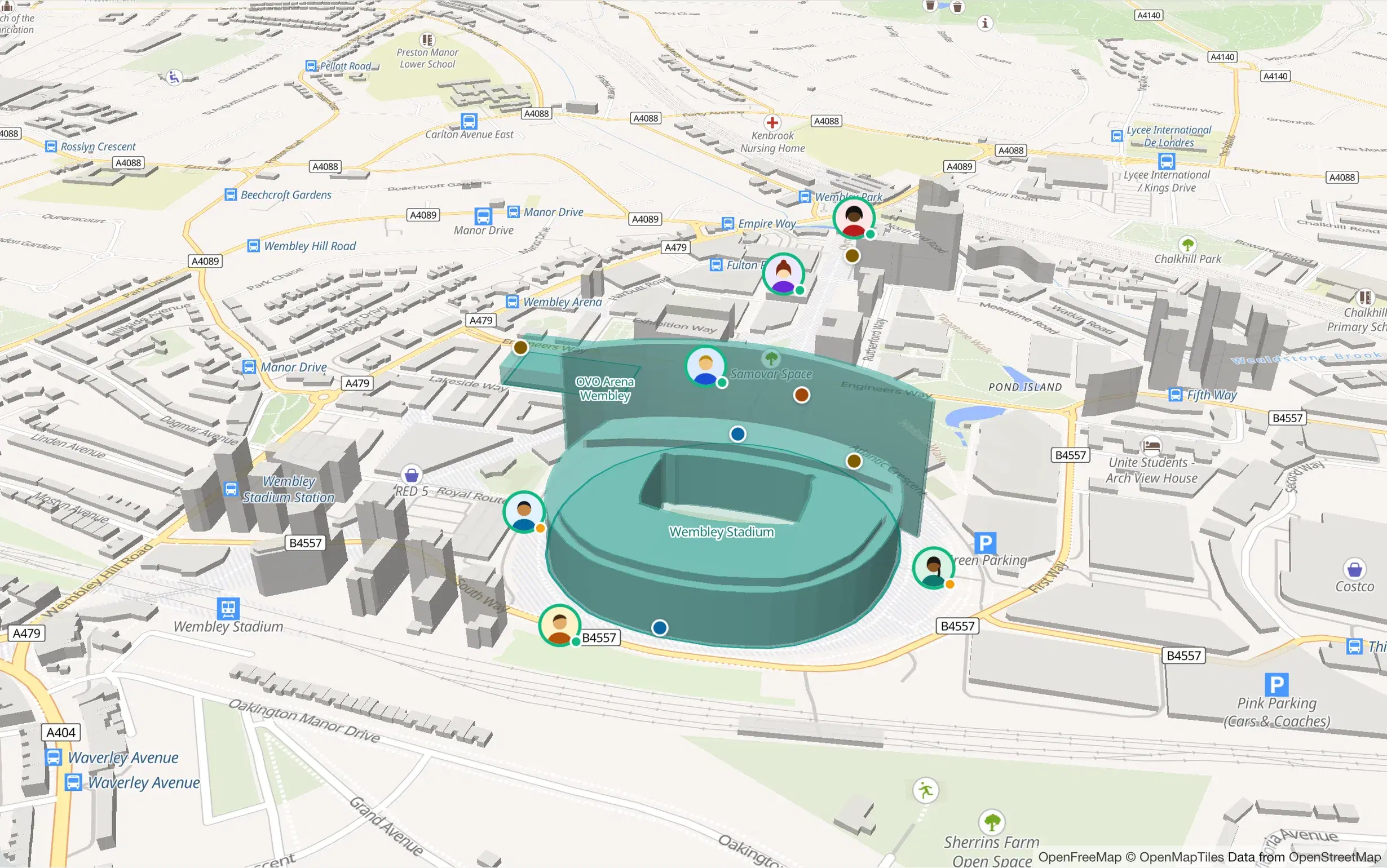
- Critical
- High
- Medium
- Low
- On shift
- En route
Demo workspace: the incidents and people are fictional.
How it works
From a scan to a finished report
One system, end to end. Nothing gets retyped into a spreadsheet afterwards.
- 01 / 04
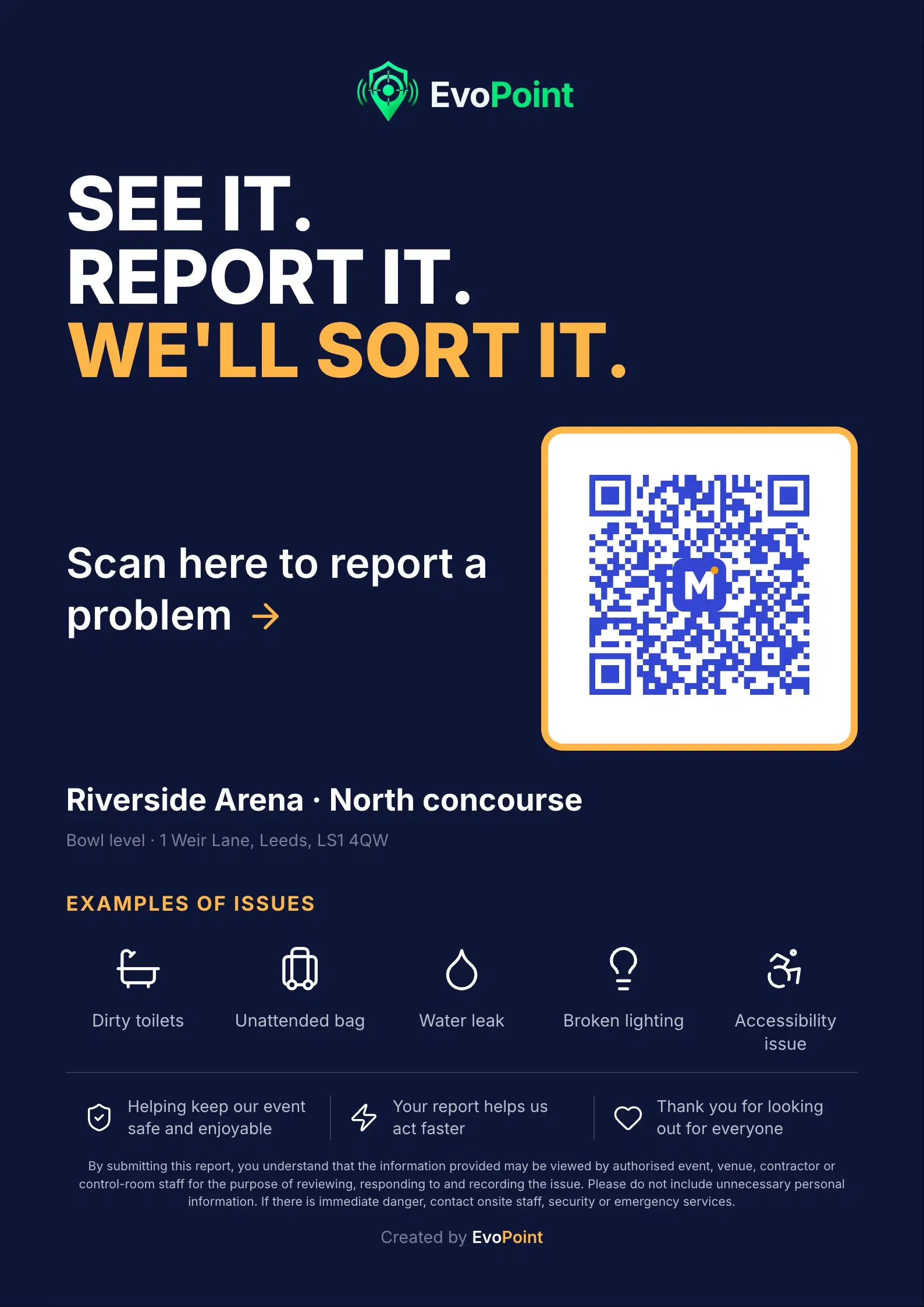
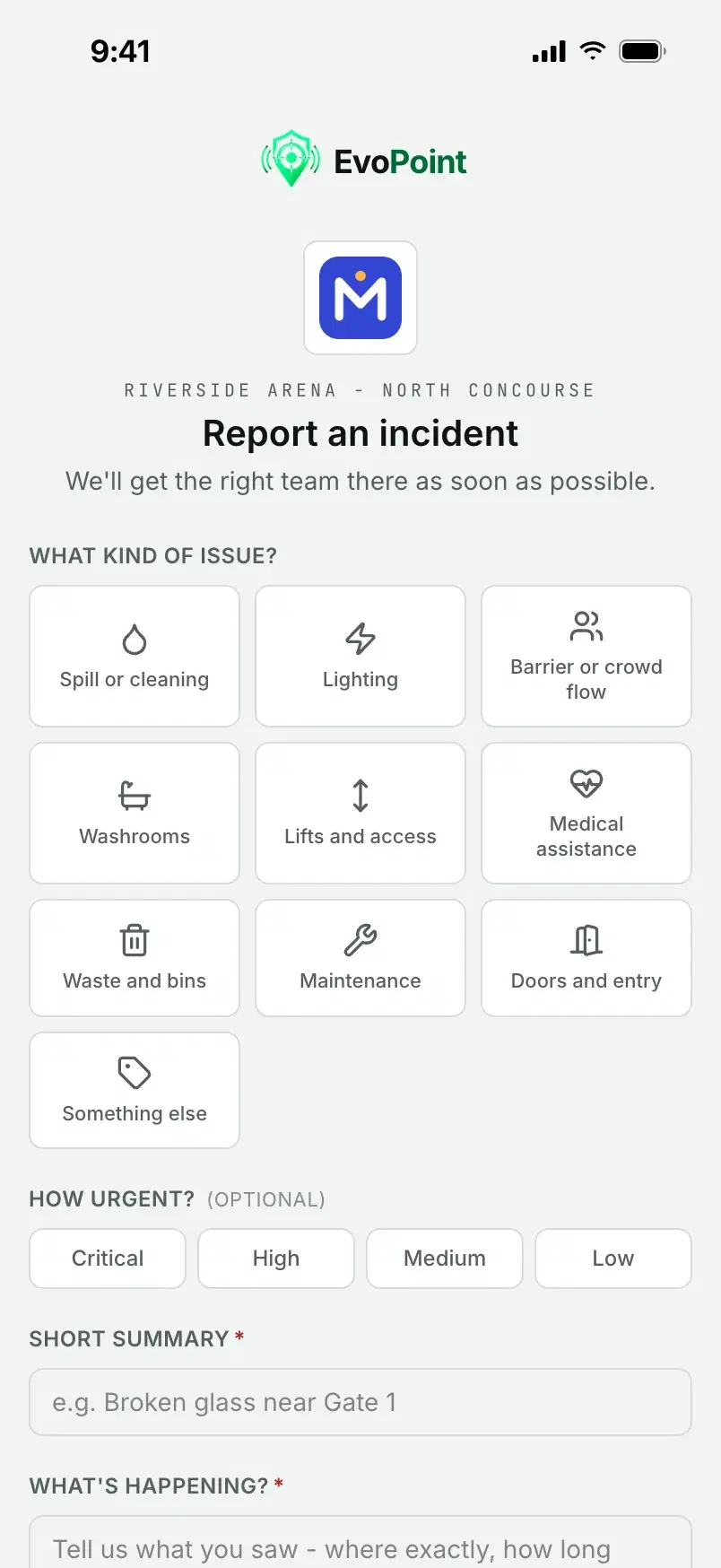
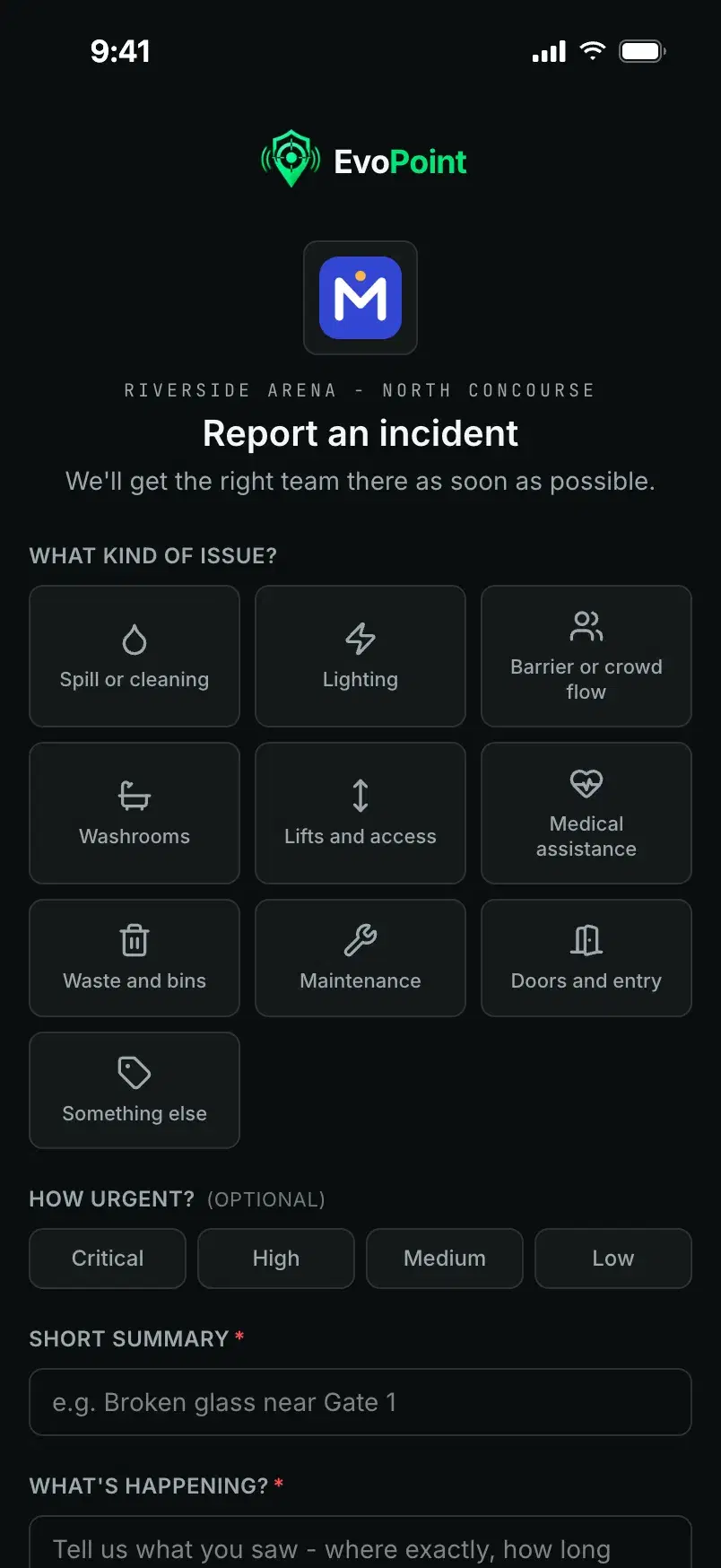
Scan
A code at the gate opens a page that already knows where it is.
- No app to download and no account to make
- The poster already carries the site and location
- Photos go straight from the phone to storage
- 02 / 04
Triage
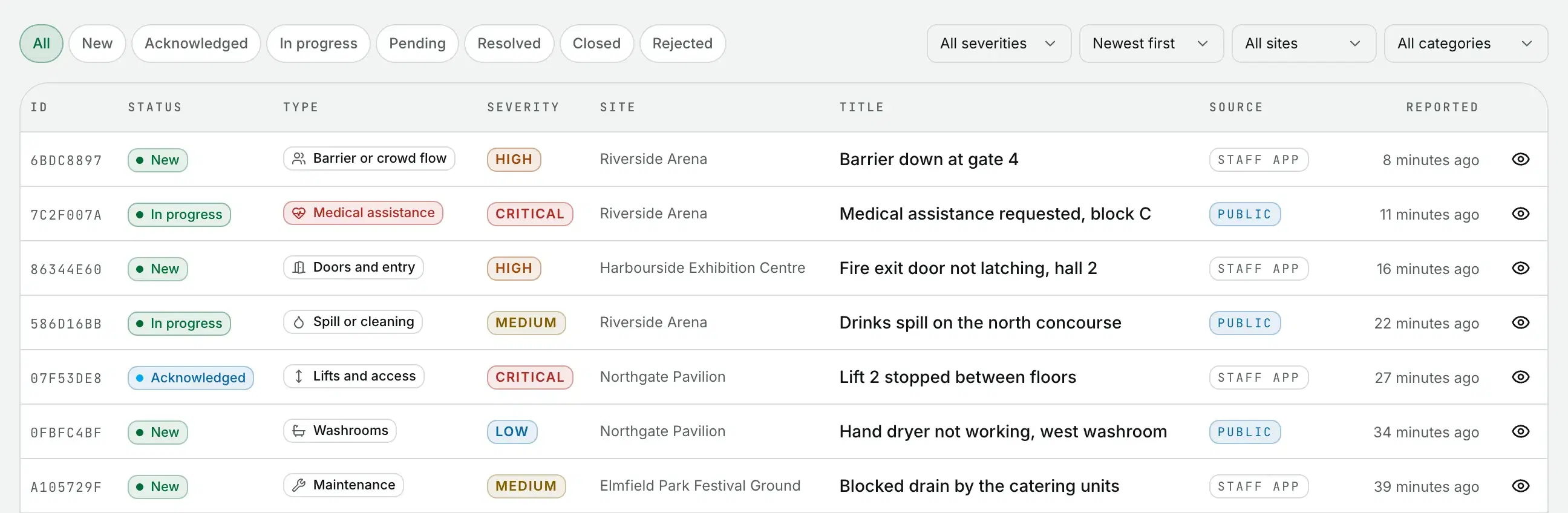
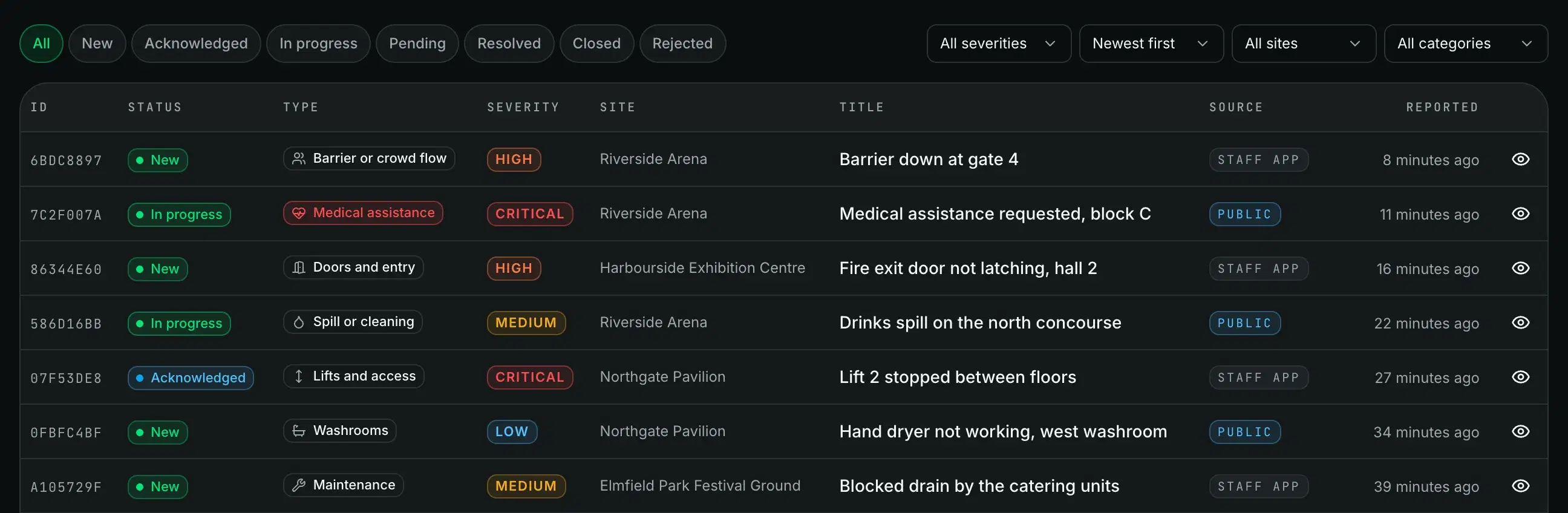
It lands in the queue and on the map as it is submitted.
- Appears live, with no refresh
- Filter by status, severity, site and category
- Staff app and public reports share one queue
- 03 / 04
Dispatch
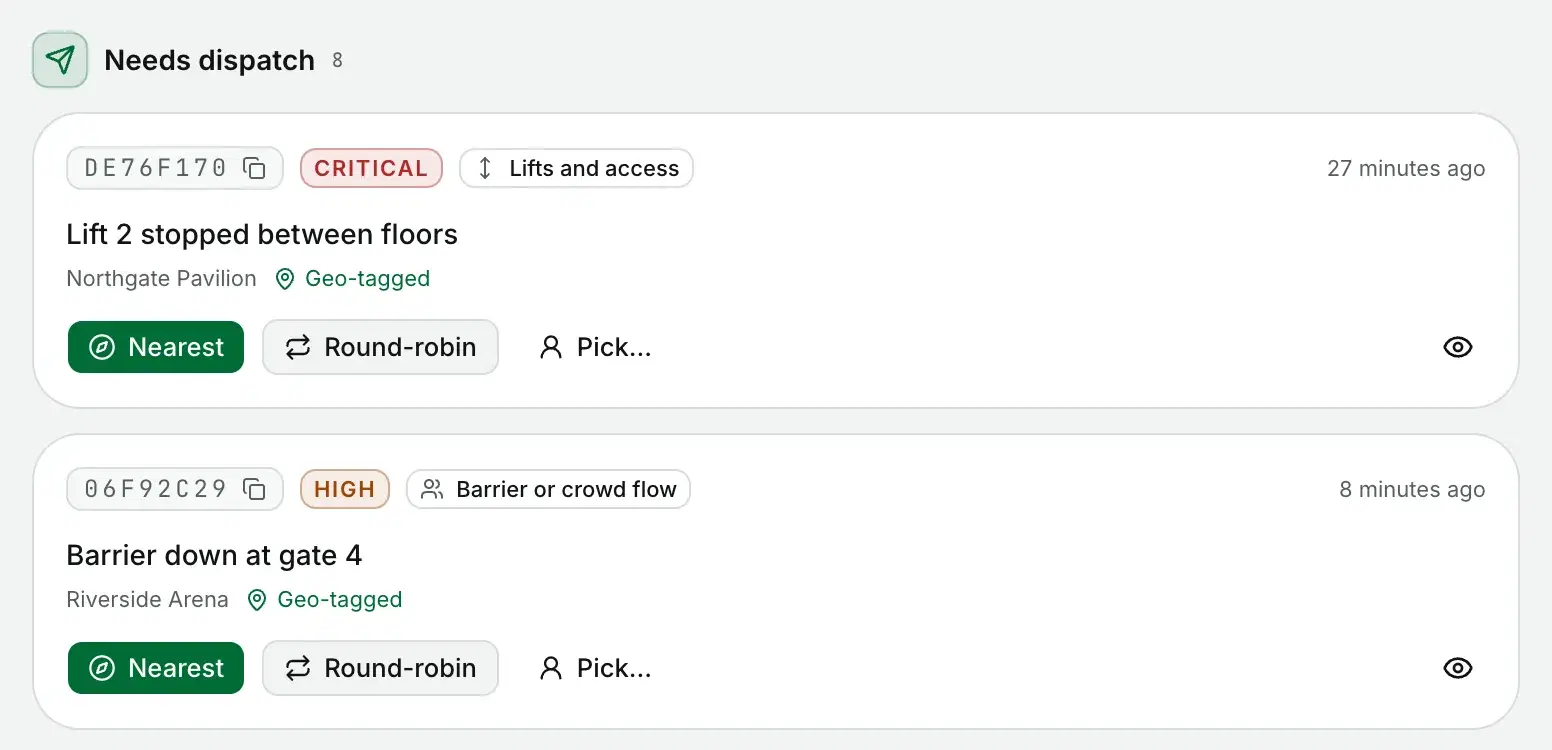
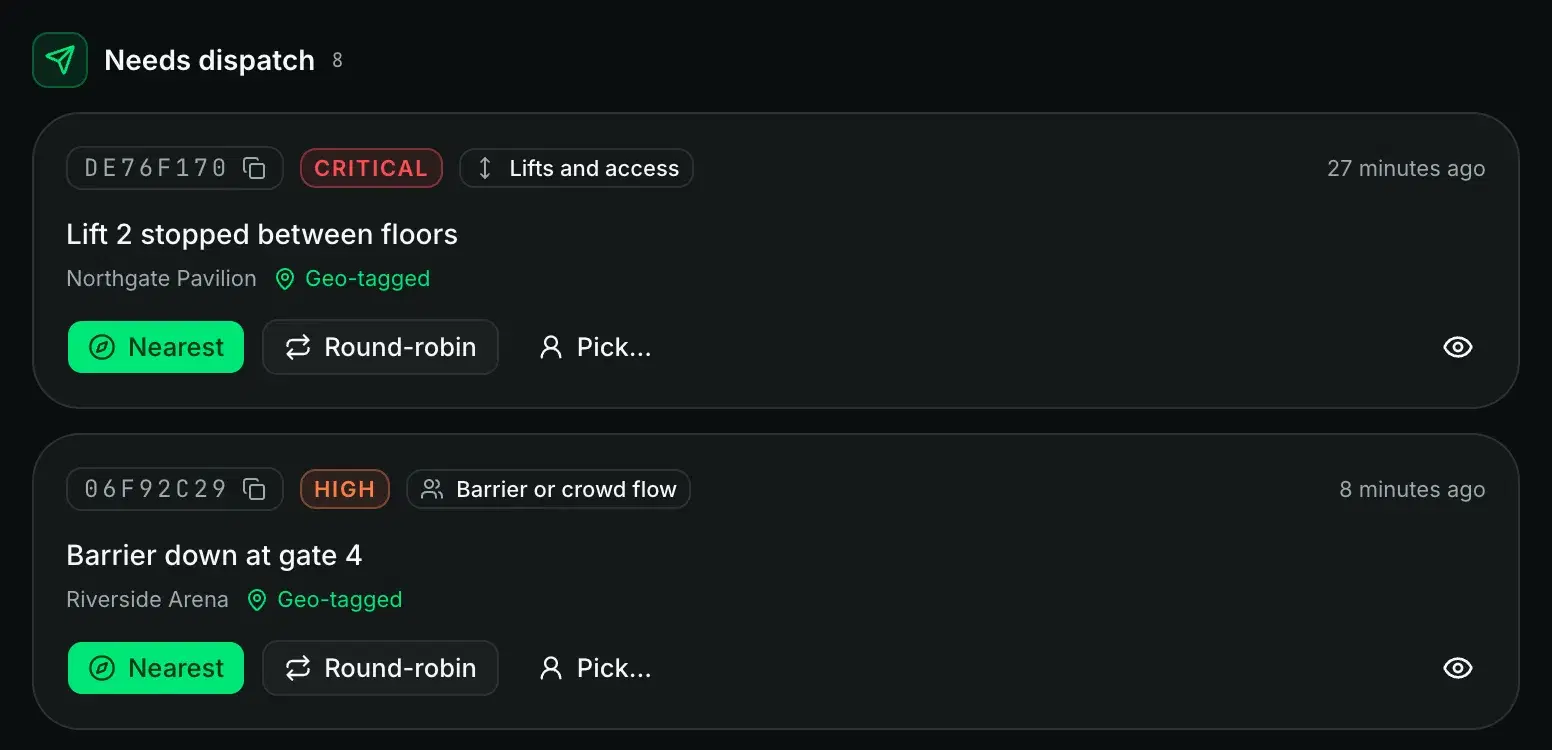
Pick someone, or send it to the nearest contractor on shift.
- Pick a person, or let round-robin or nearest choose
- The job lands in the contractor's app
- The SLA clock starts when it is assigned
- 04 / 04
Account for it
Every step lands in the history, and comes out as a PDF.
- Every change kept in an append-only history
- The PDF carries the timeline and the photos
- Run it on demand or on a schedule

Products
Four parts, one incident record
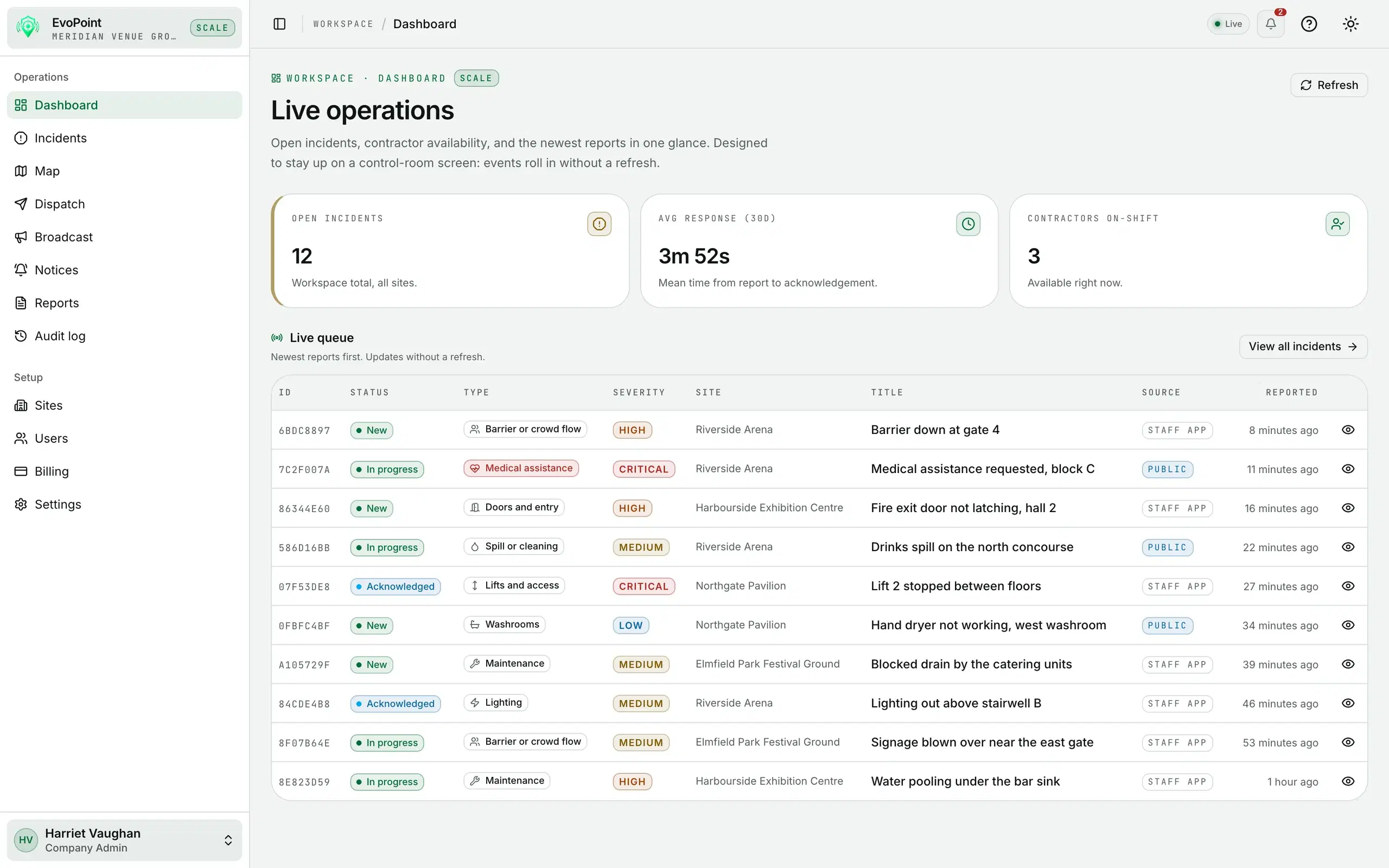
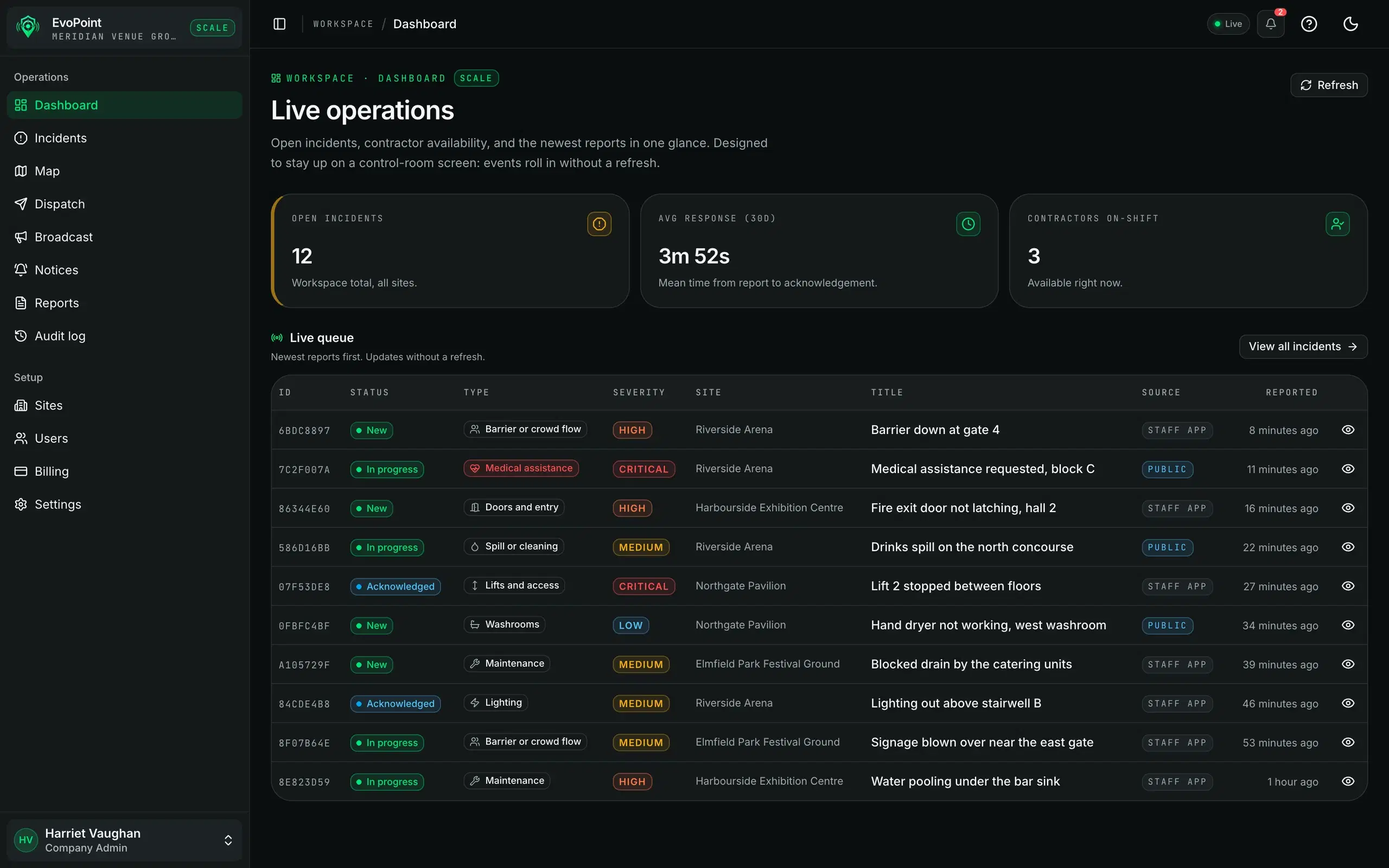
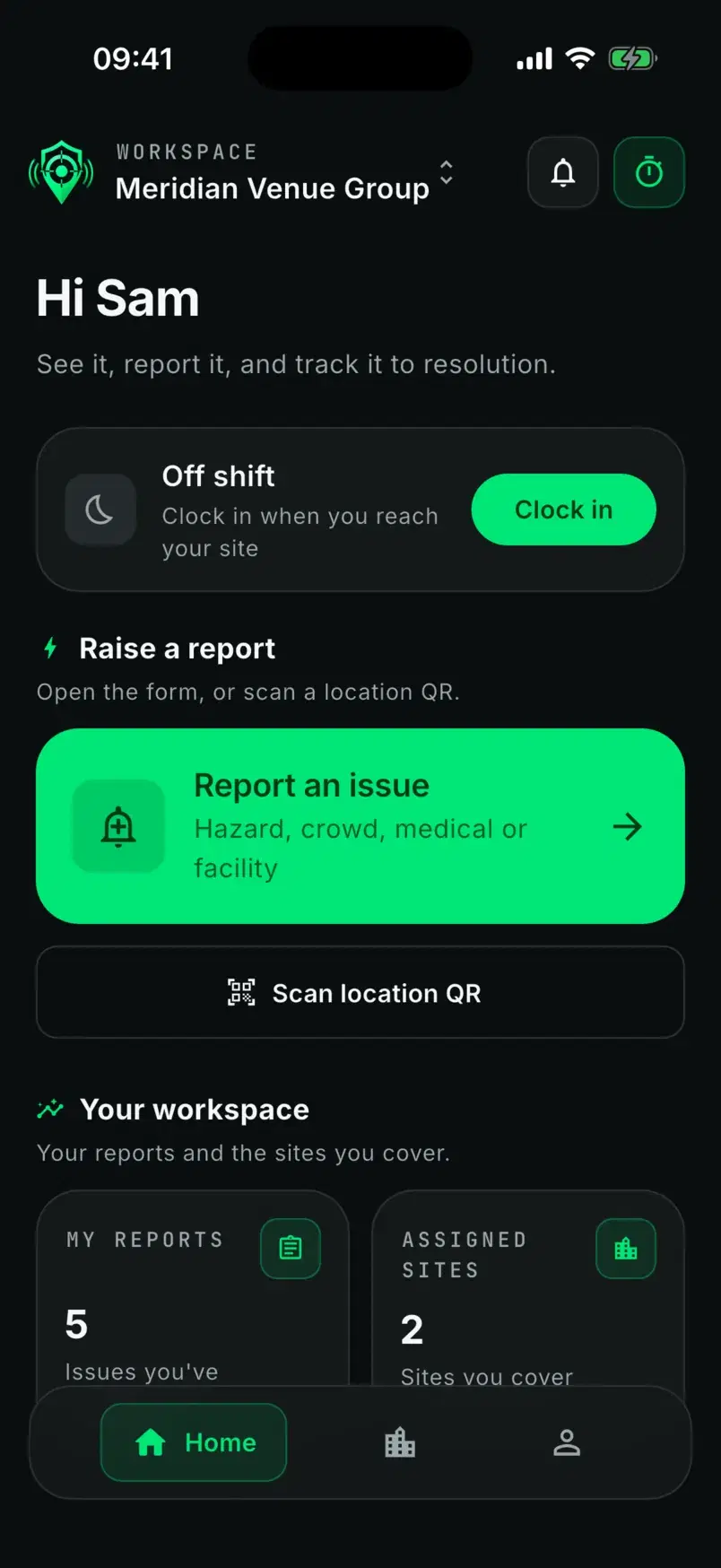
The control room, the public QR page, the mobile app and the reports all work from the same live data.
The platform
Everything the control room needs, in one place
For the people running the venue, and the people who have to explain it afterwards.
Branded QR public reporting
One code per location. No account, no app.
Live operations map
Incidents and contractors on one live map.
Dispatch that fits the shift
Assign by hand, or send it to the nearest contractor.
The full incident record
Severity, status, comments and photos in one record.
SLA warnings and breaches
A warning on the incident before the deadline, an alert after it.
Mobile app for the field
One app for staff and contractors, with push notifications.
Branded PDF reports
Up to 50 incidents by date, site or severity, in your own branding.
Reports on a schedule
Daily, weekly or monthly, with an email to your controllers and admins.
Multi-site management
Every venue, its locations and its floor plans.
Append-only audit log
Who changed what, and when. Nothing can be edited away.
Broadcast to the field
One message to all your staff and contractors, or to one site's team.
Guided walkthroughs
Most screens carry a short tour that points at the real controls.
Some of these depend on your plan. See what each plan includes.
Who uses it
Five people, one incident, no retyping
Each role sees its own surface, and the server enforces the boundary.
Account admin
Web dashboard
Owns the account: billing and the plan, data export and erasure, plus everything a controller can do.
Signs in with: Password and one-time code
Controller
Web dashboard
Runs the room: triage, assignment, the live map, reports and the audit log.
Signs in with: Magic link
Staff
Mobile app
Reports from the floor and follows their own reports through to resolution.
Signs in with: Magic link
Contractor
Mobile app
Clocks on to a site, takes or claims jobs, updates status and resolves them.
Signs in with: Magic link
Public reporter
QR code
Scans, describes the issue, optionally adds a photo, and can check the status later.
Signs in with: No account
Security
The parts a safety manager will be asked about
No badges we have not earned. Every one of these is something you can ask us to show you.
Tenant isolation
Derived from the session on the server, never from the browser.
A role check on every route
Every route declares who may call it. The server refuses the rest.
Two-factor for admin accounts
Admins sign in with a password and a one-time code, every time.
Append-only audit log
Key changes are written with who made them and when. Nothing can be edited away.
Photo uploads skip the API
Photos upload straight to storage, with their location metadata stripped.
Export and erasure built in
Export the whole workspace or erase one person's data, straight from the dashboard.
Pricing
Priced for an event season
Run a single fixture on a one-off pass, or subscribe and add seats and sites as the season grows. Billing is in GBP, USD and EUR, and the currency is fixed at your first checkout.
Get started
Put a QR code up this week
Start a free trial, or book a walkthrough with our team.