
Control room
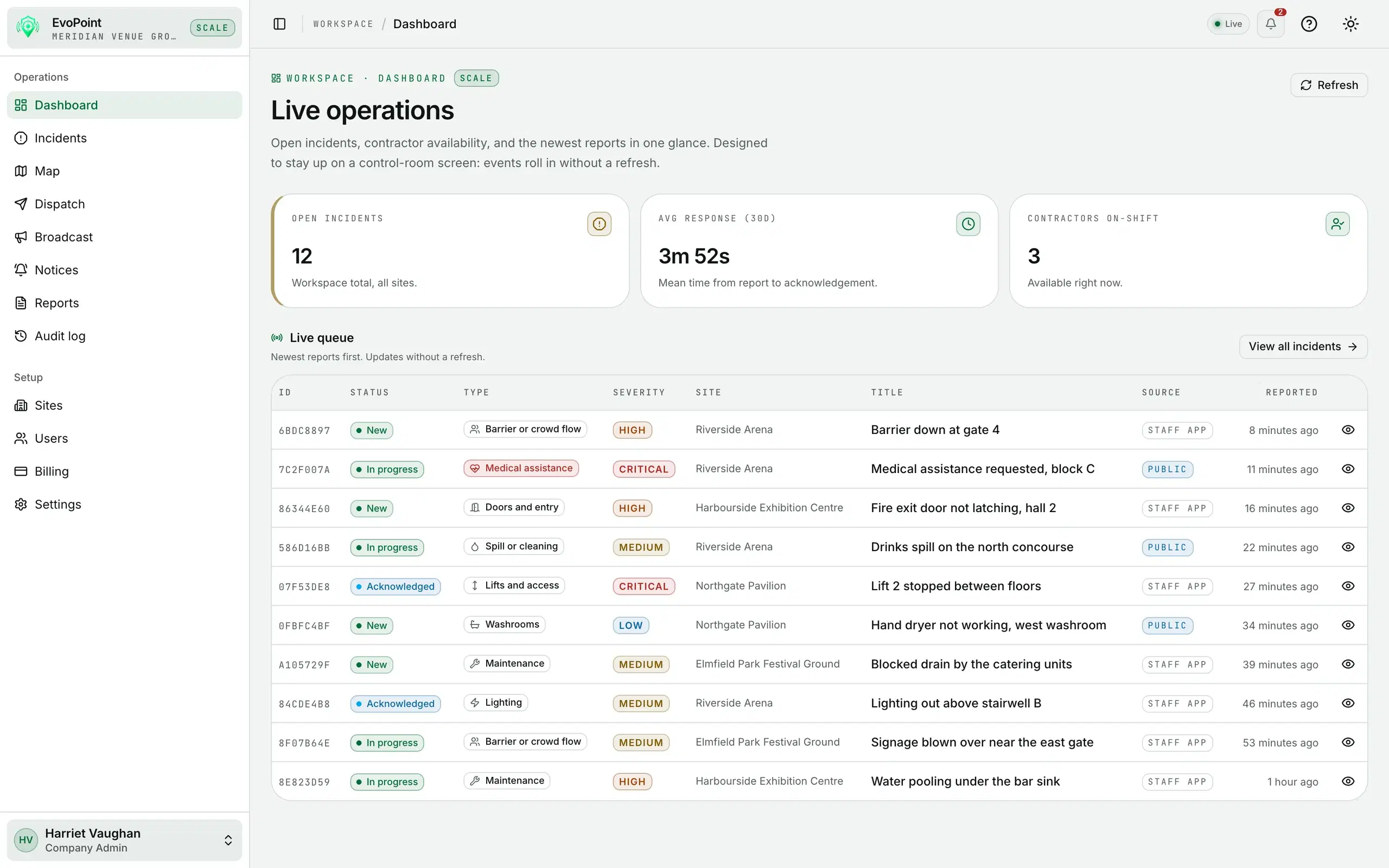
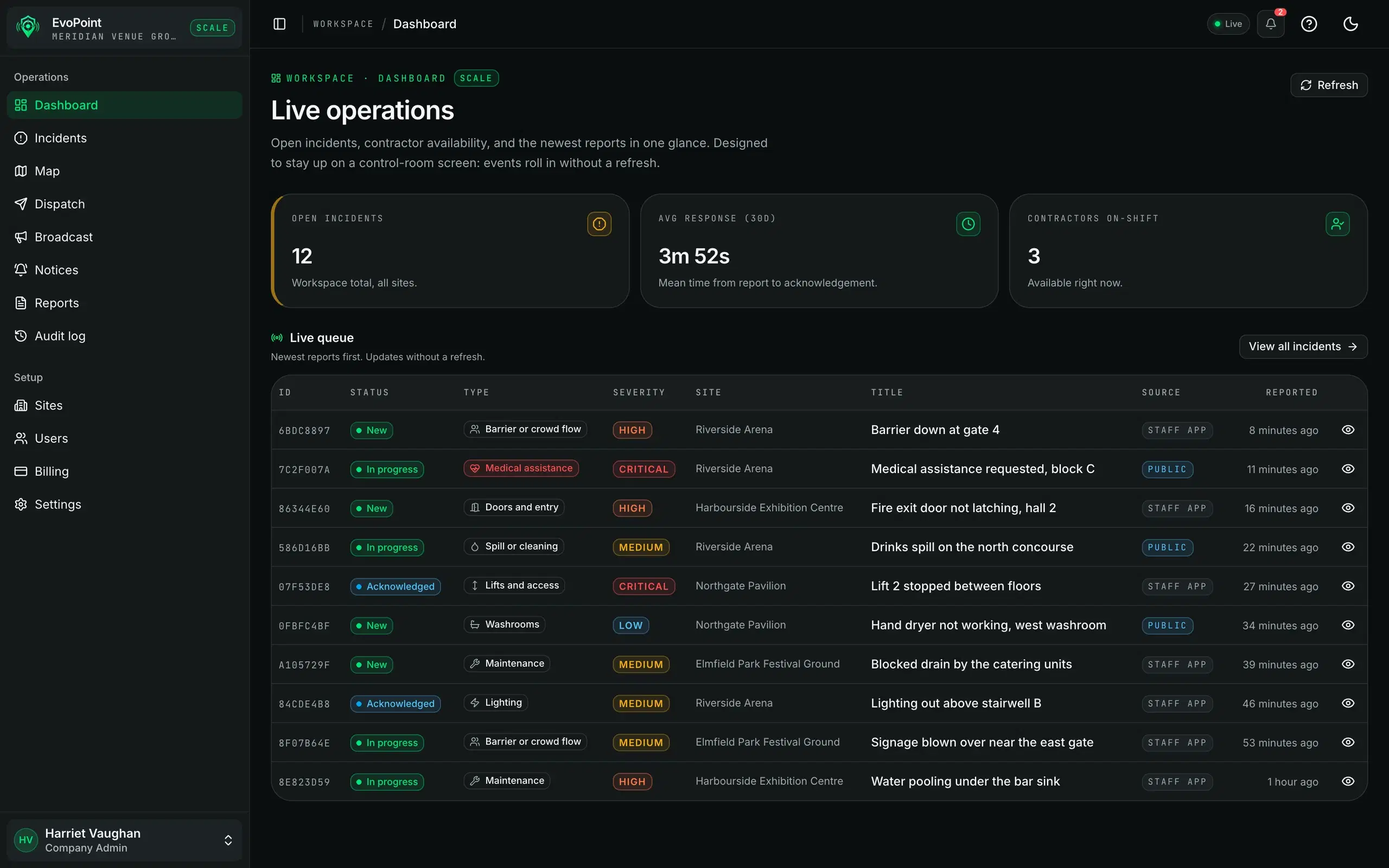
One screen for what is open and who is on it
The queue, the map and the dispatch board share the same live data.
The queue
Sorted by what will hurt first
Incidents arrive live from the QR page, the mobile app or a controller. Filter by status, severity, site or category.
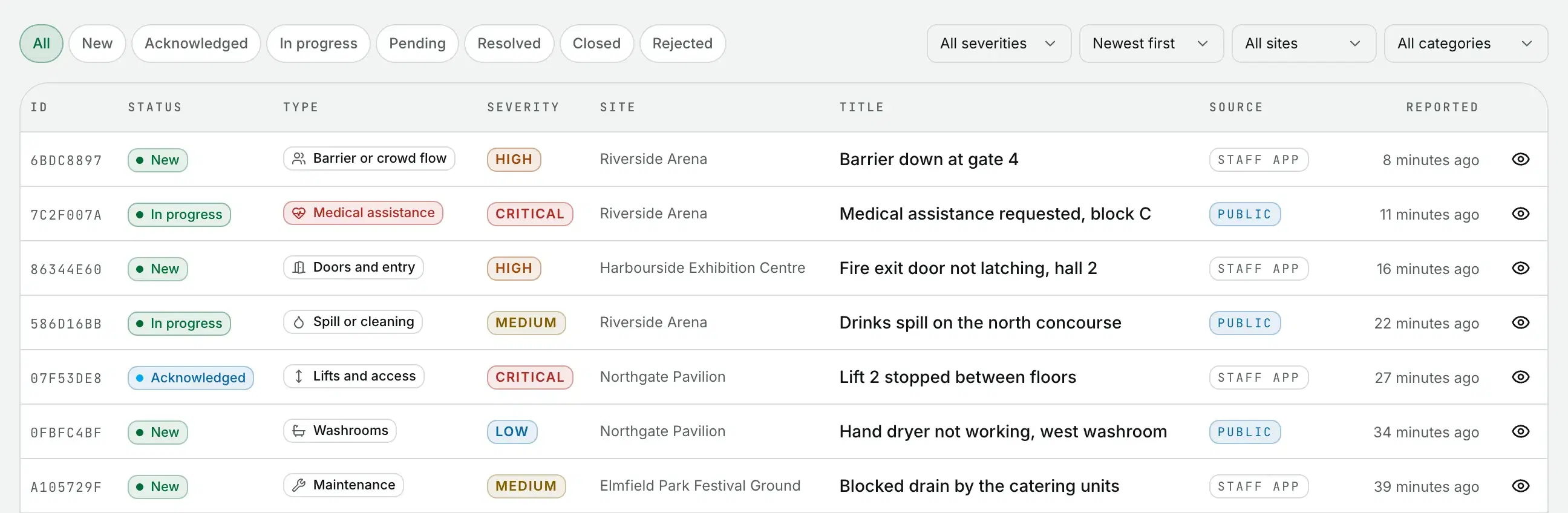
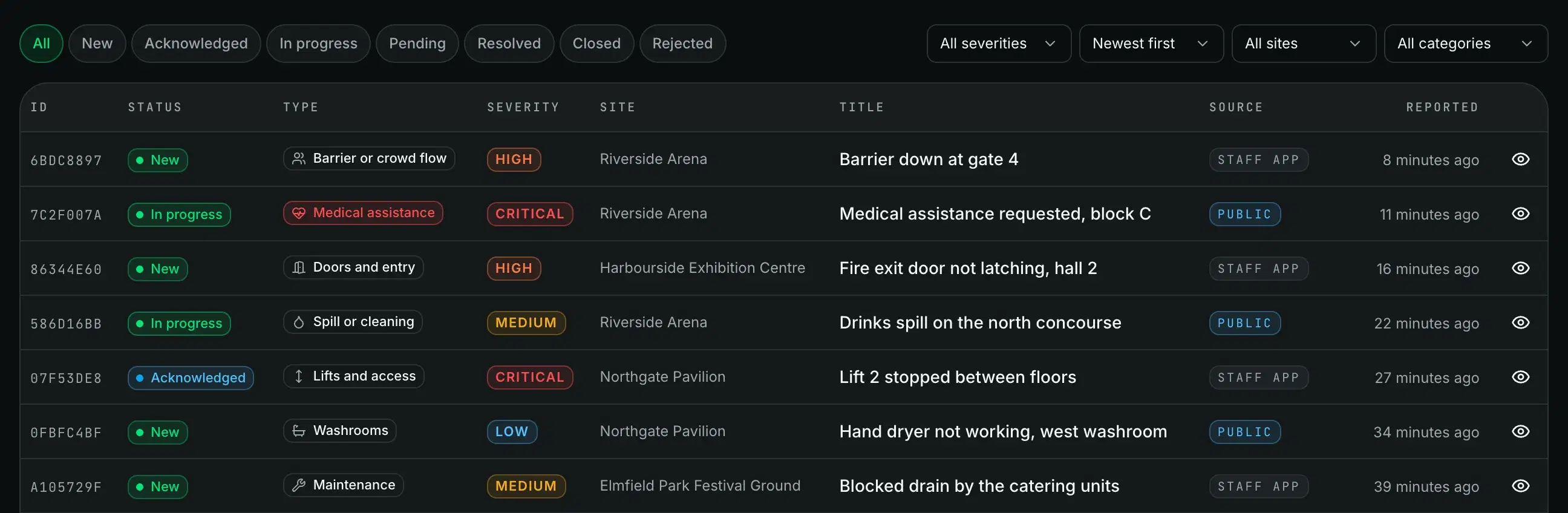
Live updates keep the queue, the map and the dispatch board in step, with no refresh.
Incident detail
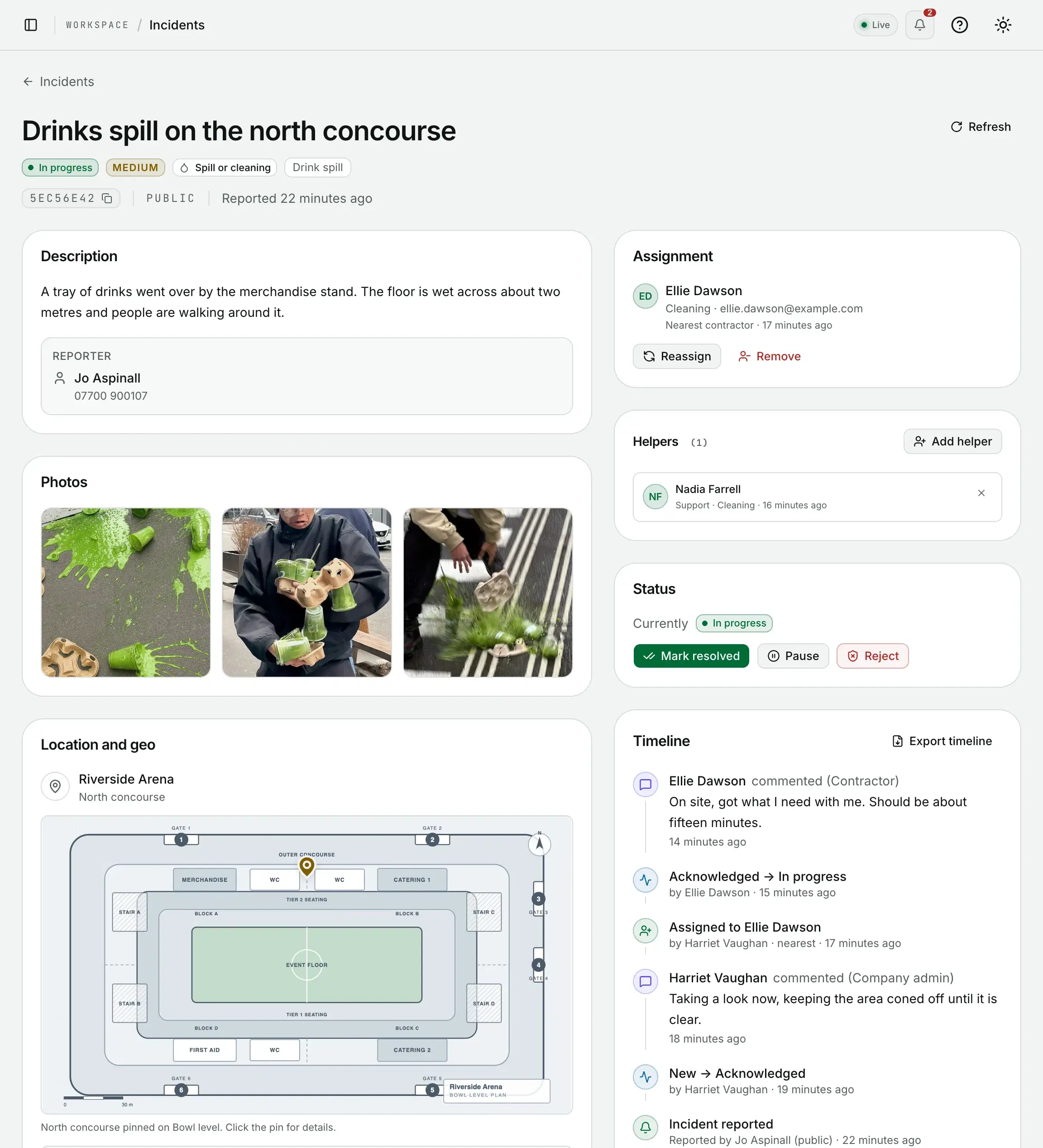
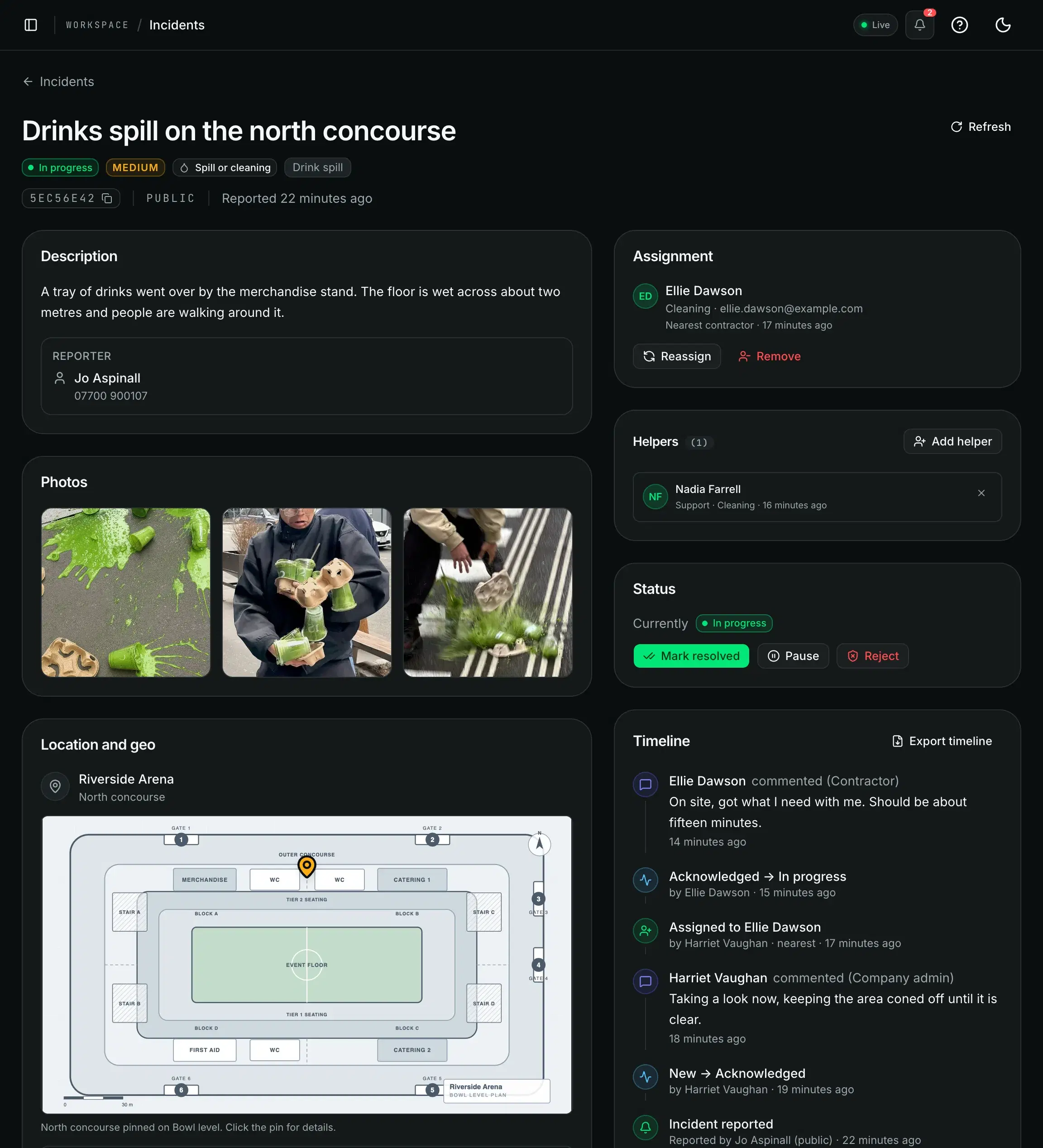
The whole story on one page
The report and who sent it, the spot pinned on the floor plan, who is on it and every step so far.
Reassign it, add a helper, pause it or mark it resolved from the same page. The timeline exports as a report.
Dispatch
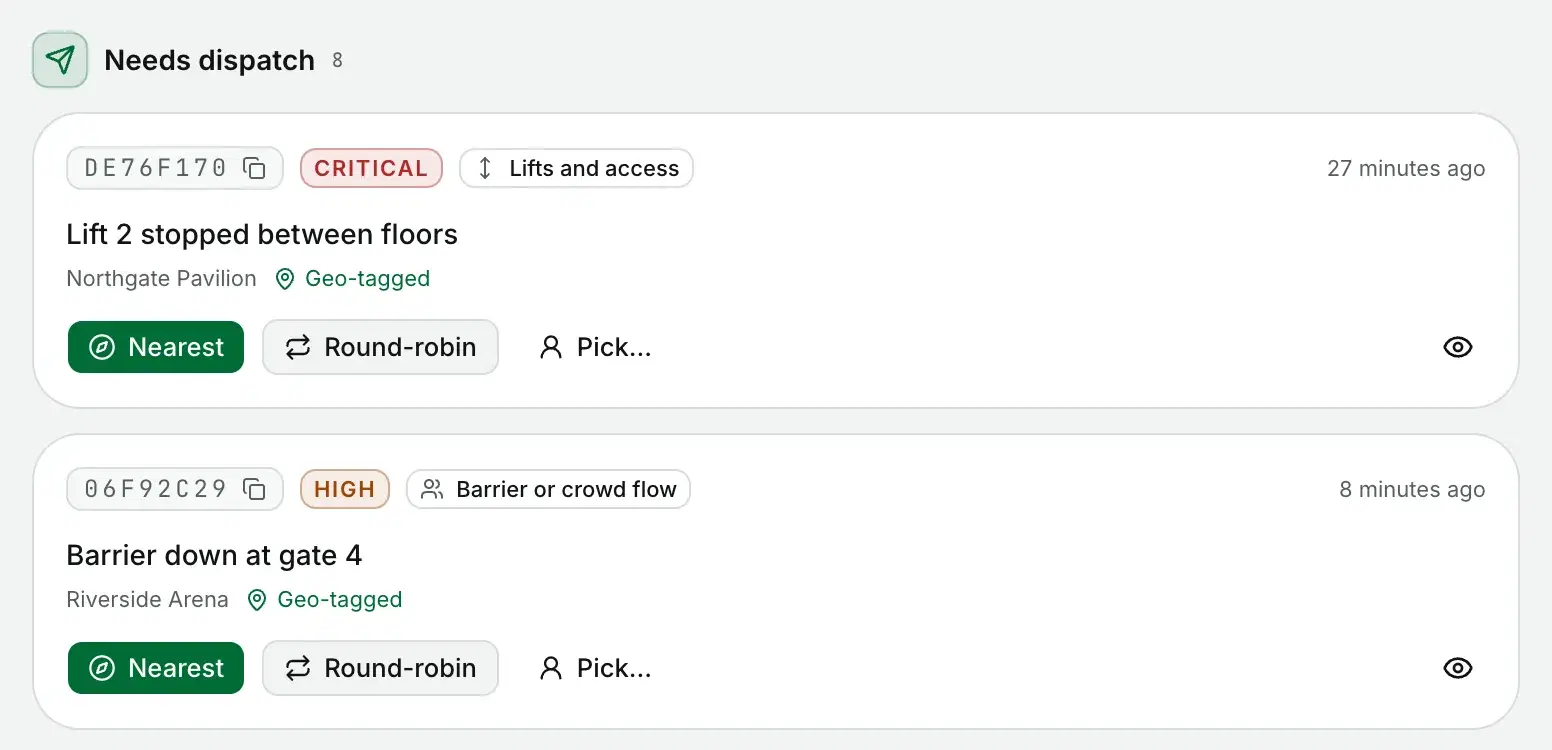
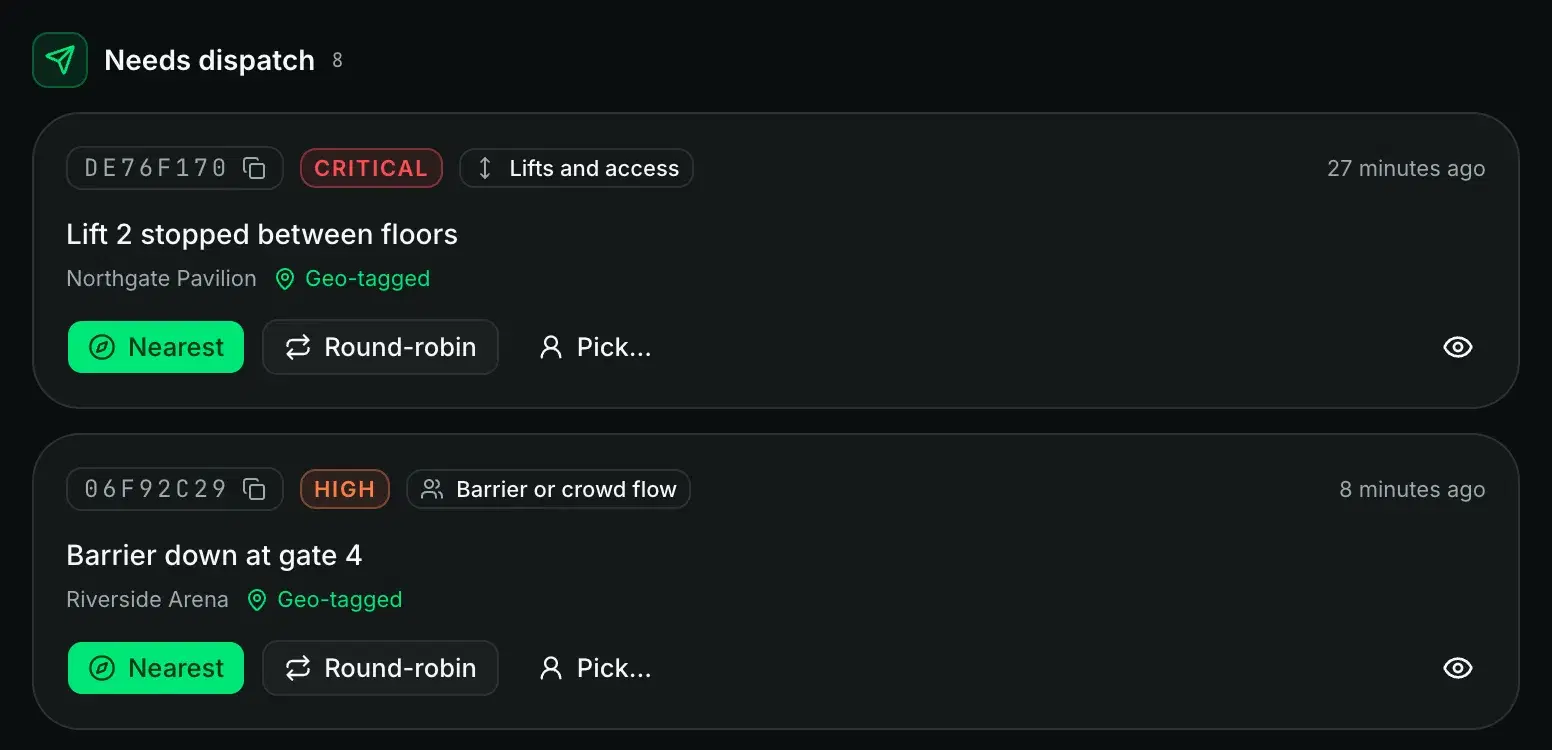
Four ways to get it to someone
Send it to the nearest contractor on shift, spread it round robin, or pick someone yourself.
Turn on self-claim and contractors can claim open jobs from the app. Jobs you send them land on their phone with a push notification.
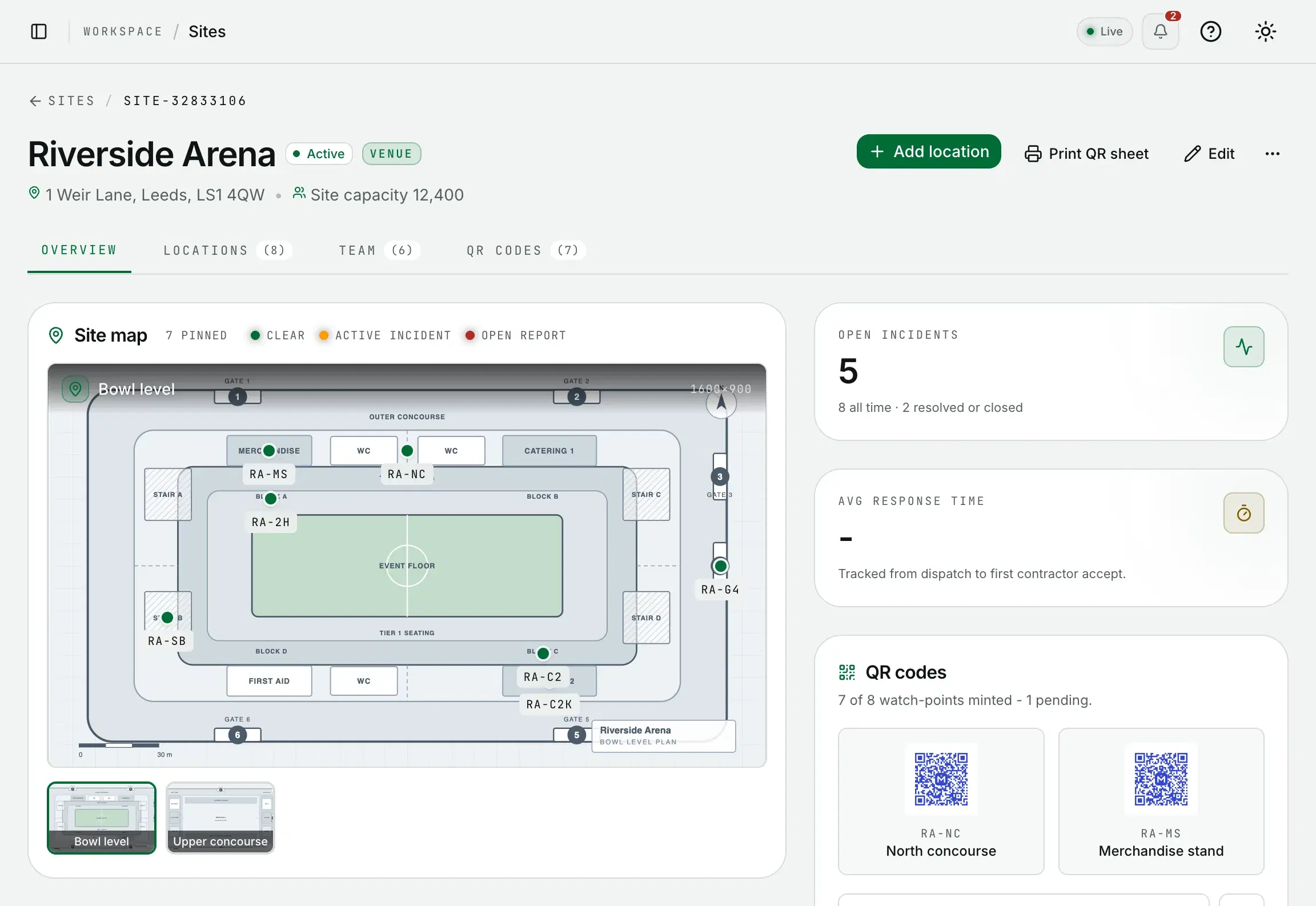
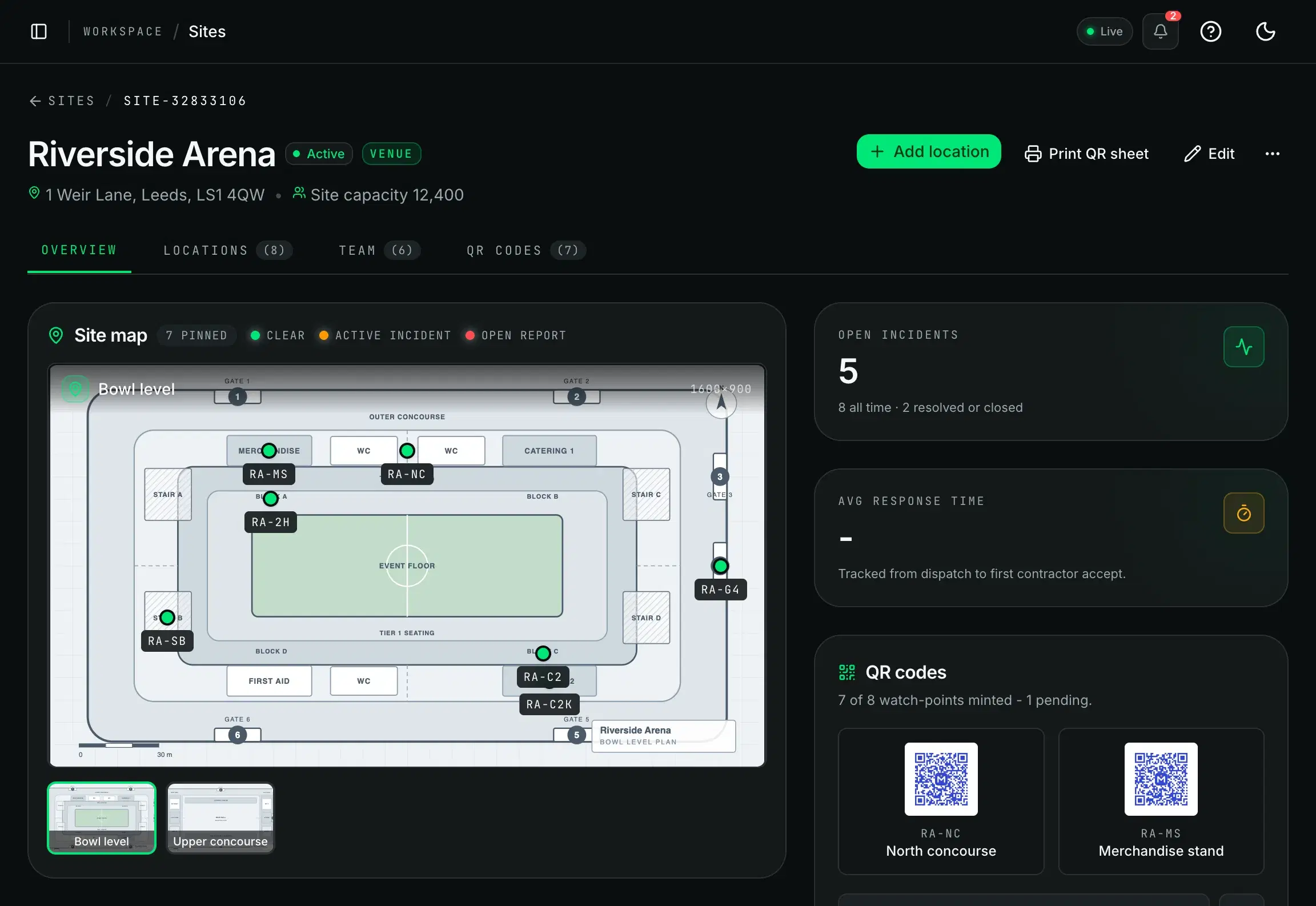
Sites and locations
Every venue, down to the last gate
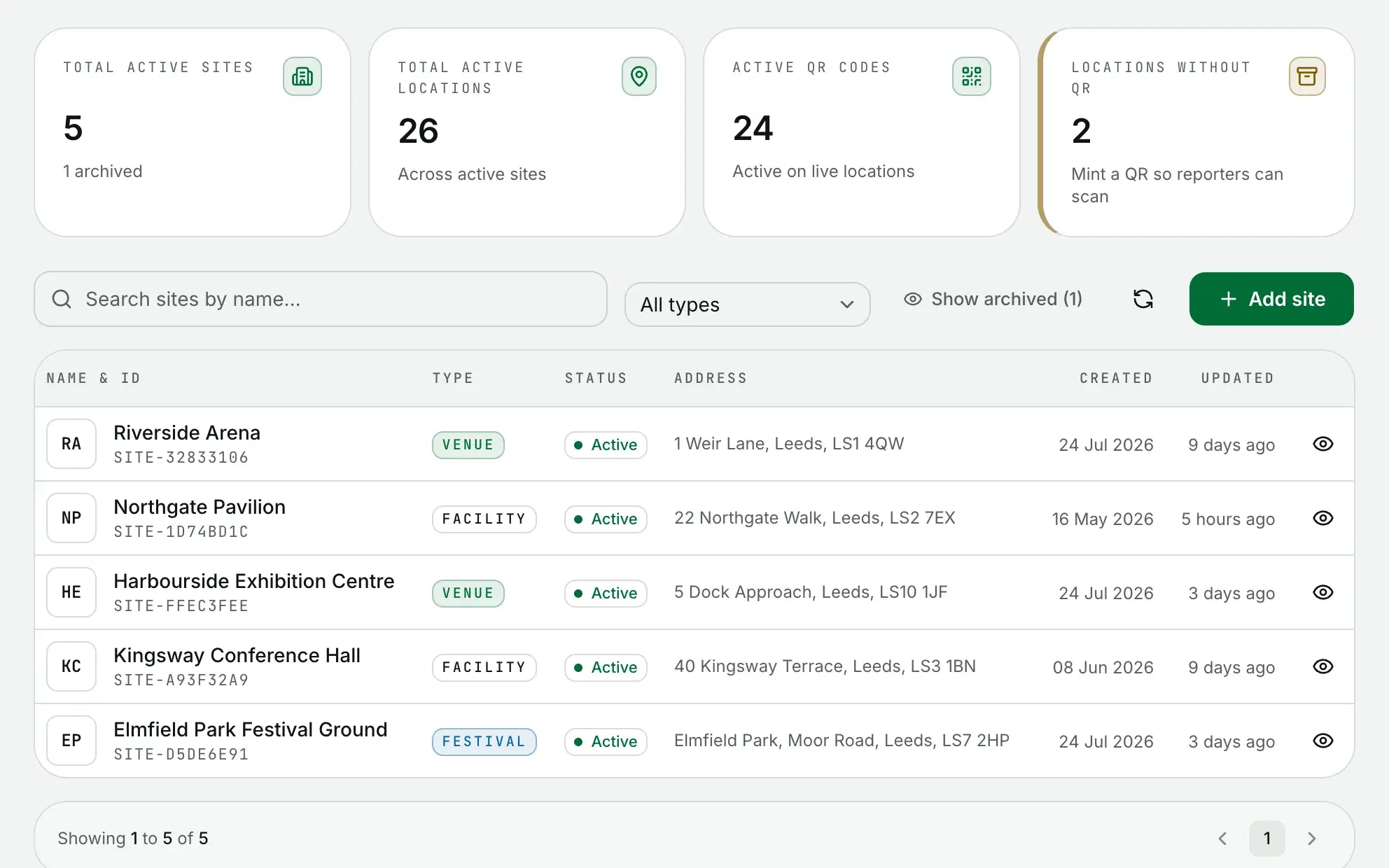
Each site keeps its floor plans, its locations pinned on them and its own team.
QR codes
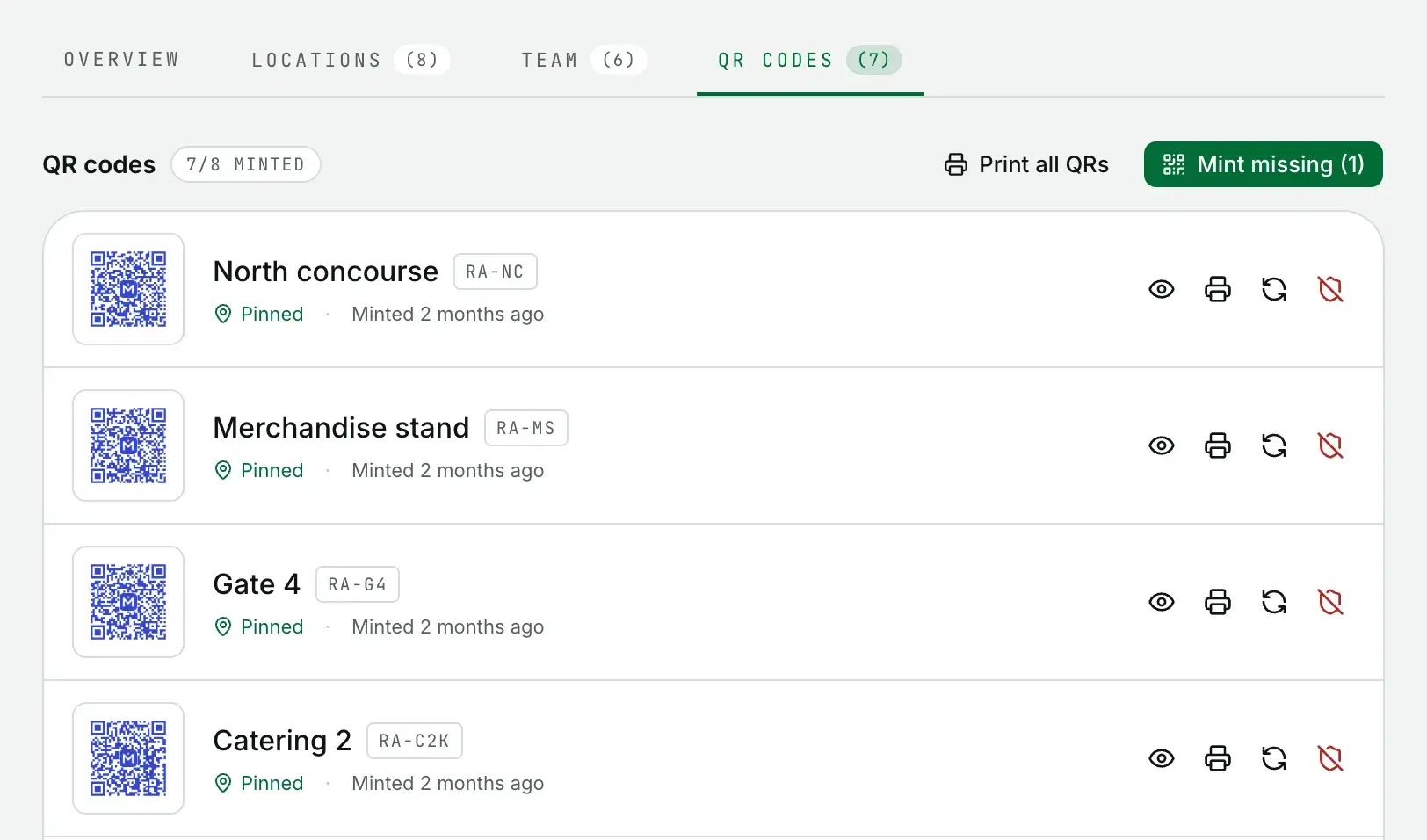
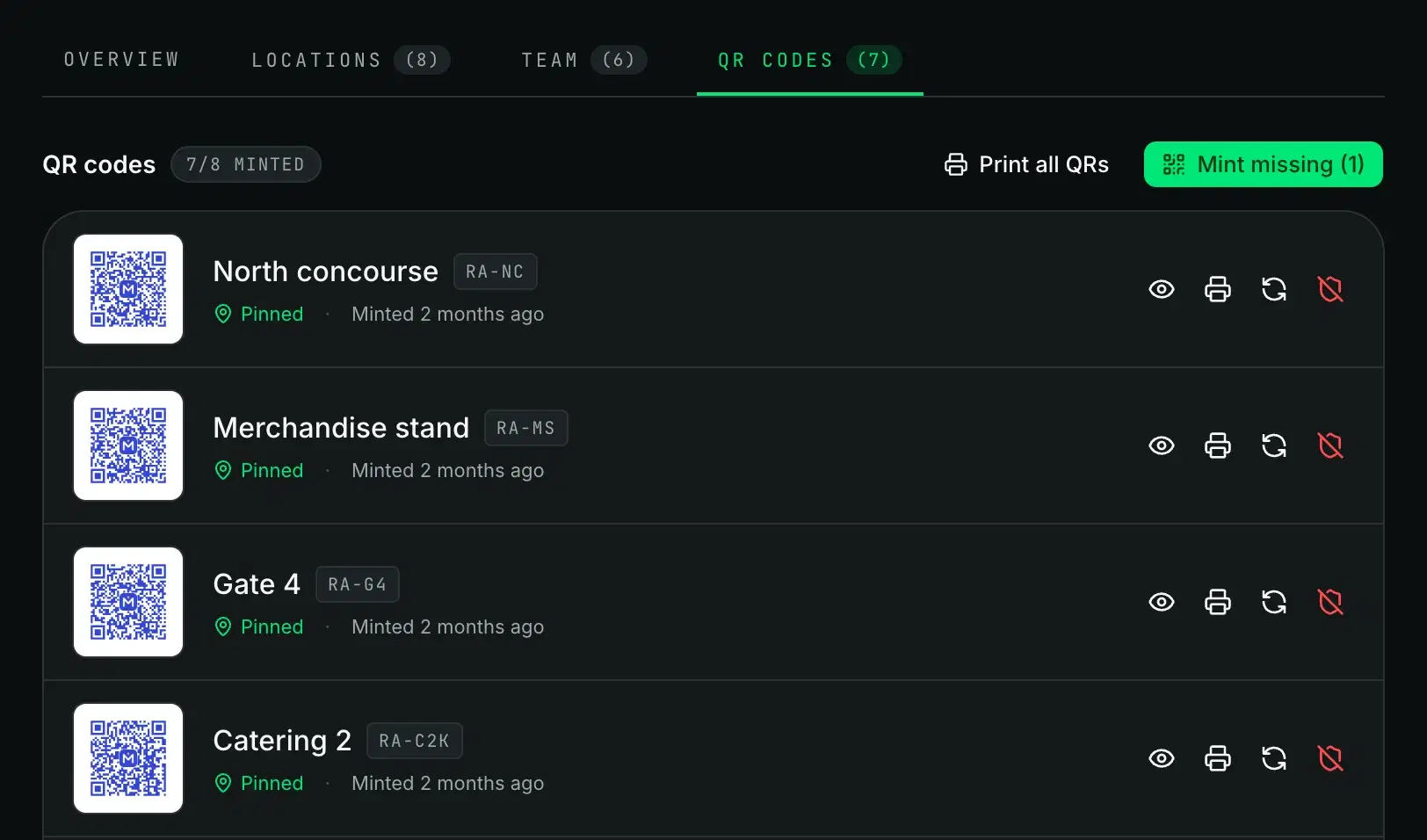
A code for every location
Each location gets its own QR code, so a scan files the report in the right place.
Print a single code or a poster for every location. Rotate a code and its old printed copies stop working.
Operations map
Where everything is, right now
Incidents, contractors and a density heatmap on one live map.
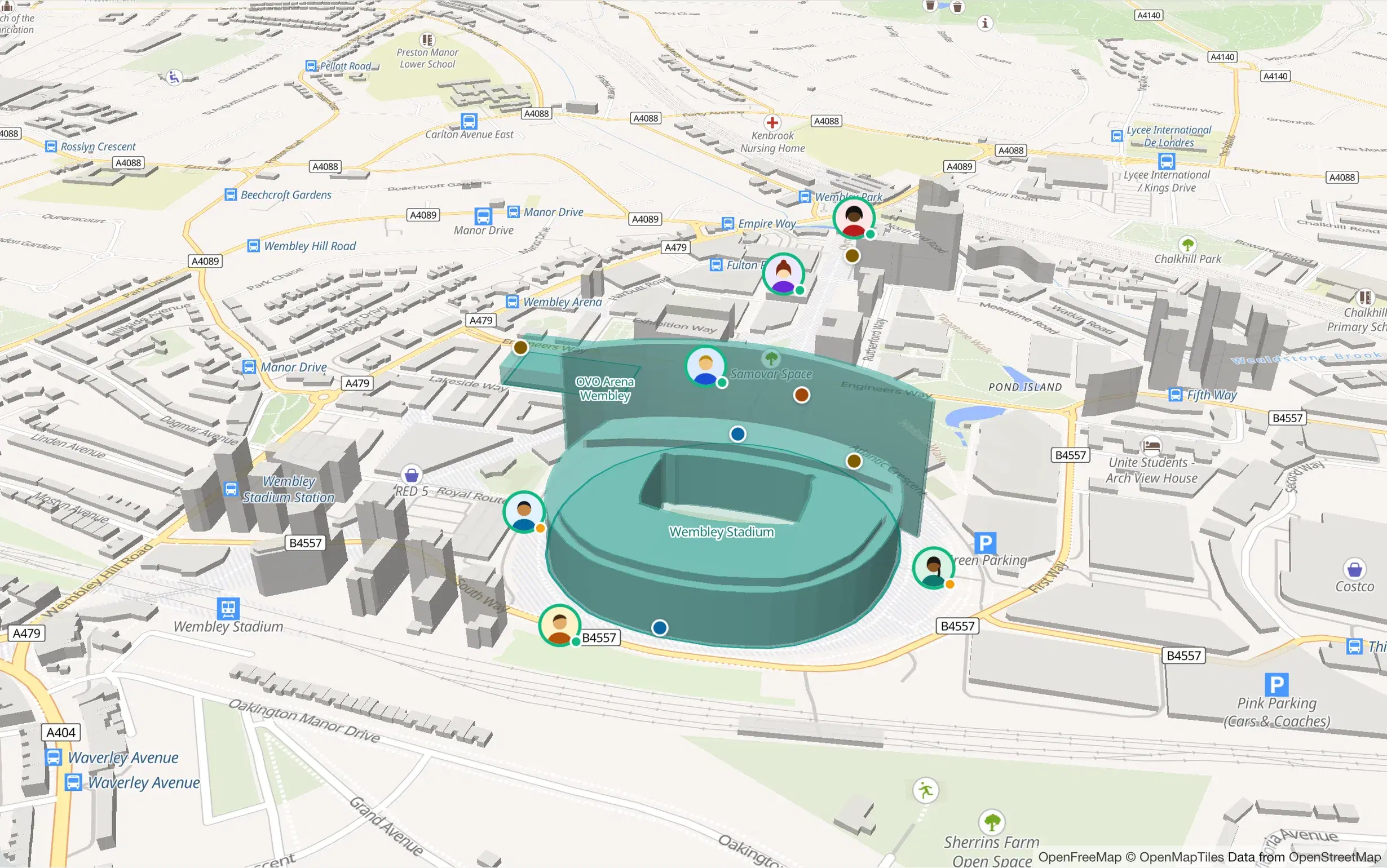
- Critical
- High
- Medium
- Low
- On shift
- En route
Demo workspace: the incidents and people are fictional.
Pin the exact spot
Pin an incident to the exact spot on the map.
Floor plans
Upload a floor plan and pin locations to the right level.
SLA on the clock
The clock starts at assignment, with a warning before the deadline.
The record
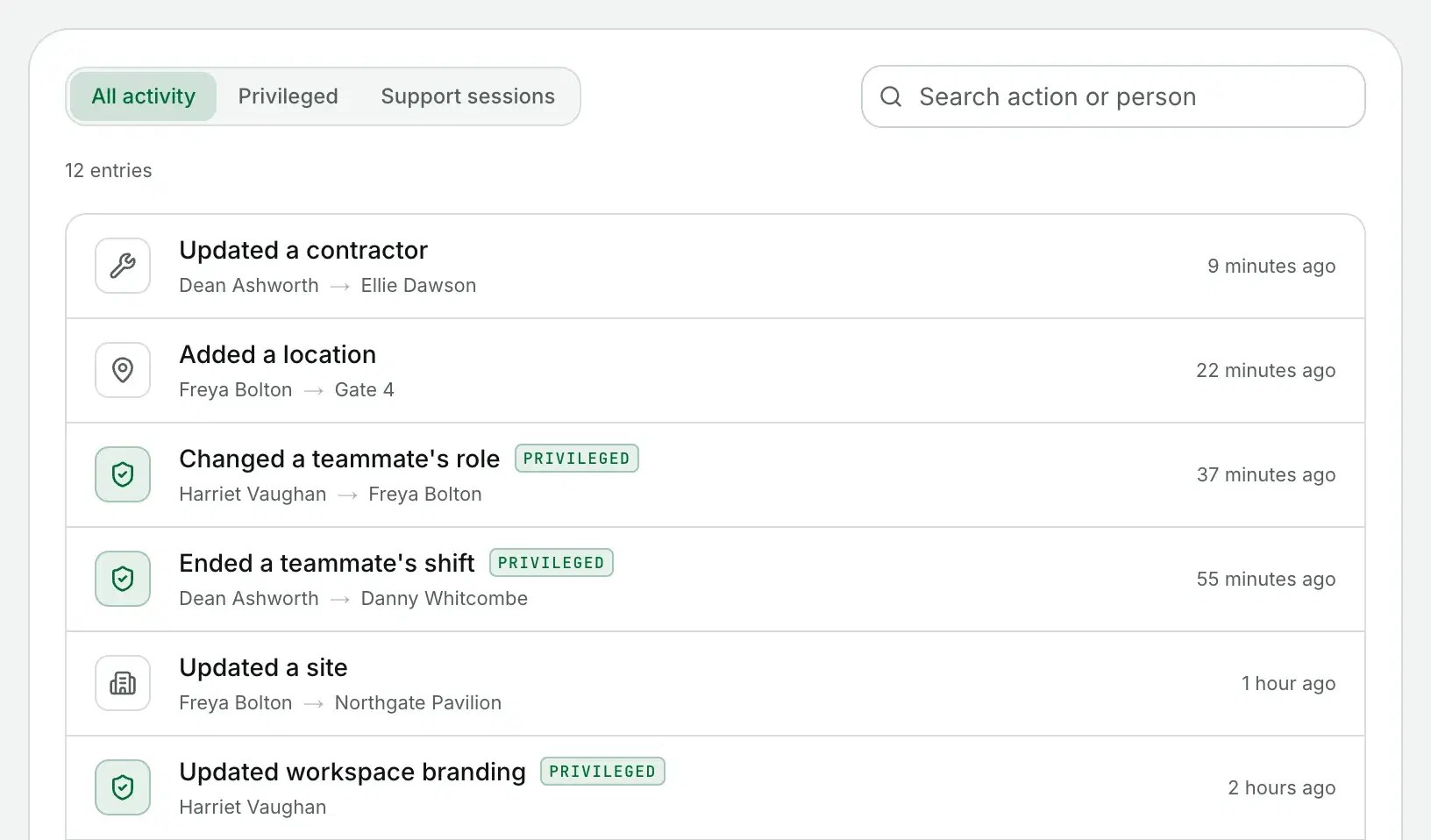
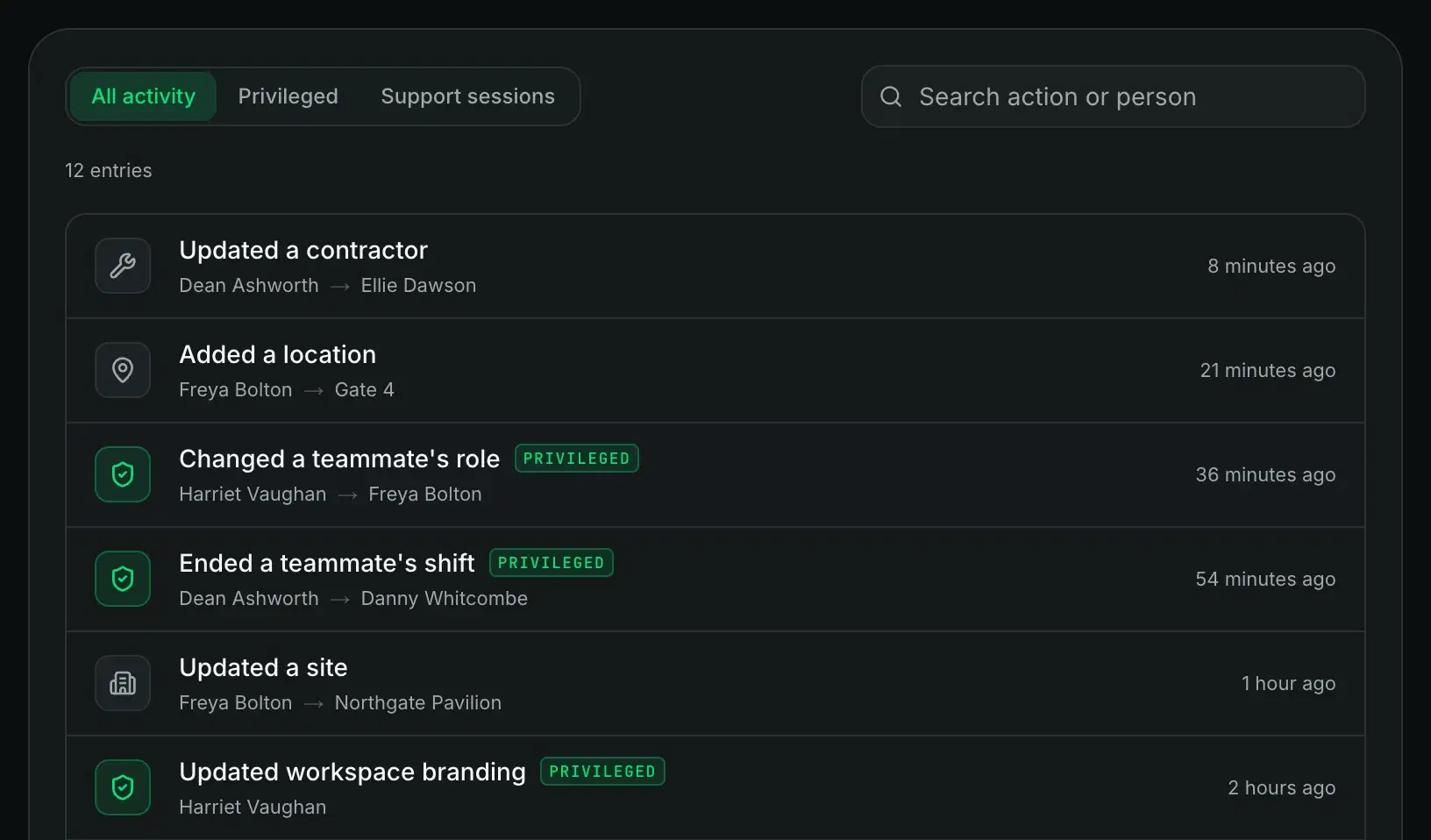
Every state change, with the actor on it
Every change to an incident lands in its timeline, comments included.
The workspace audit log goes wider, with no edit or delete path.
Around the edges
The rest of the workspace
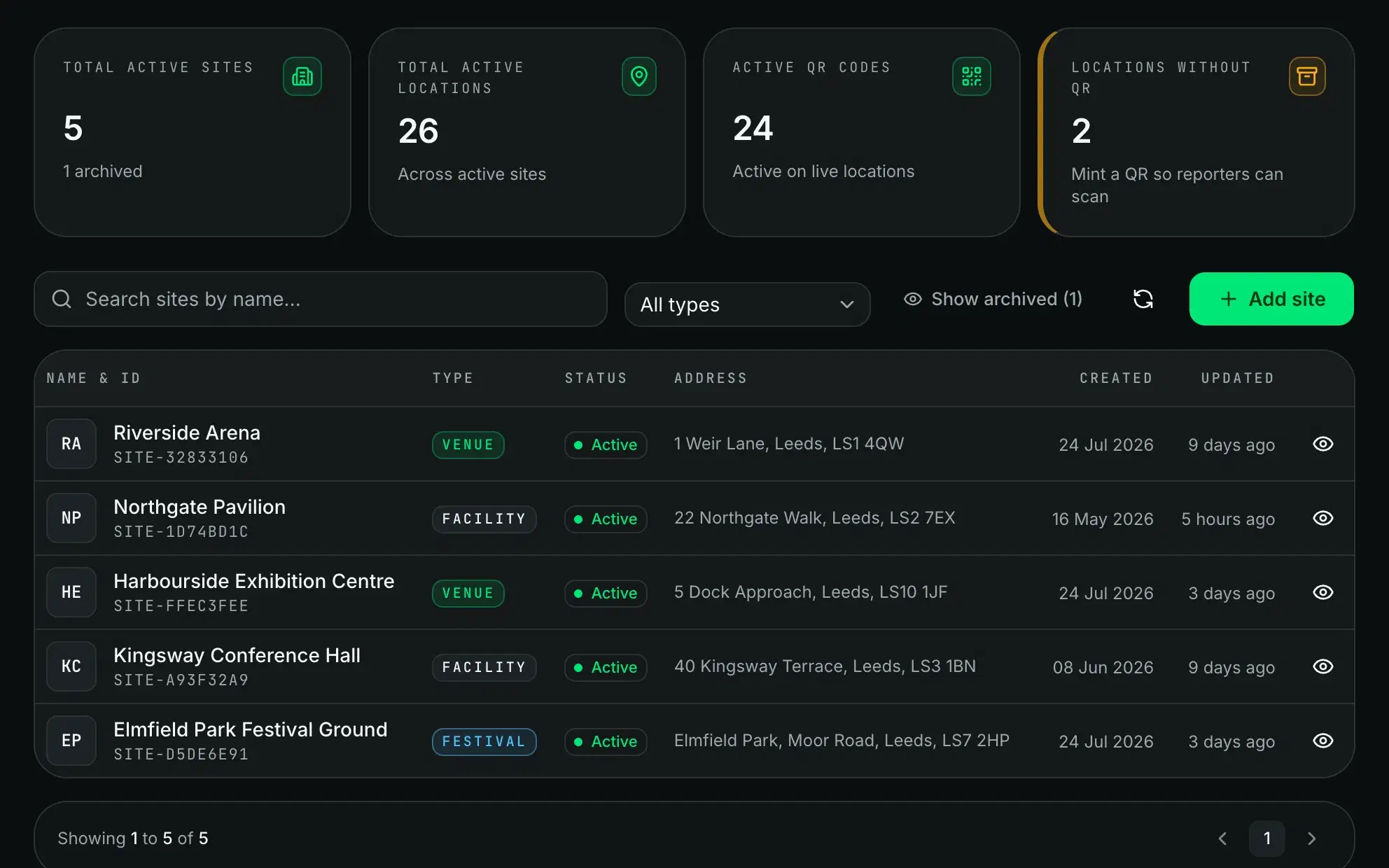
Multi-site
Run several venues from one workspace, each with its own locations.
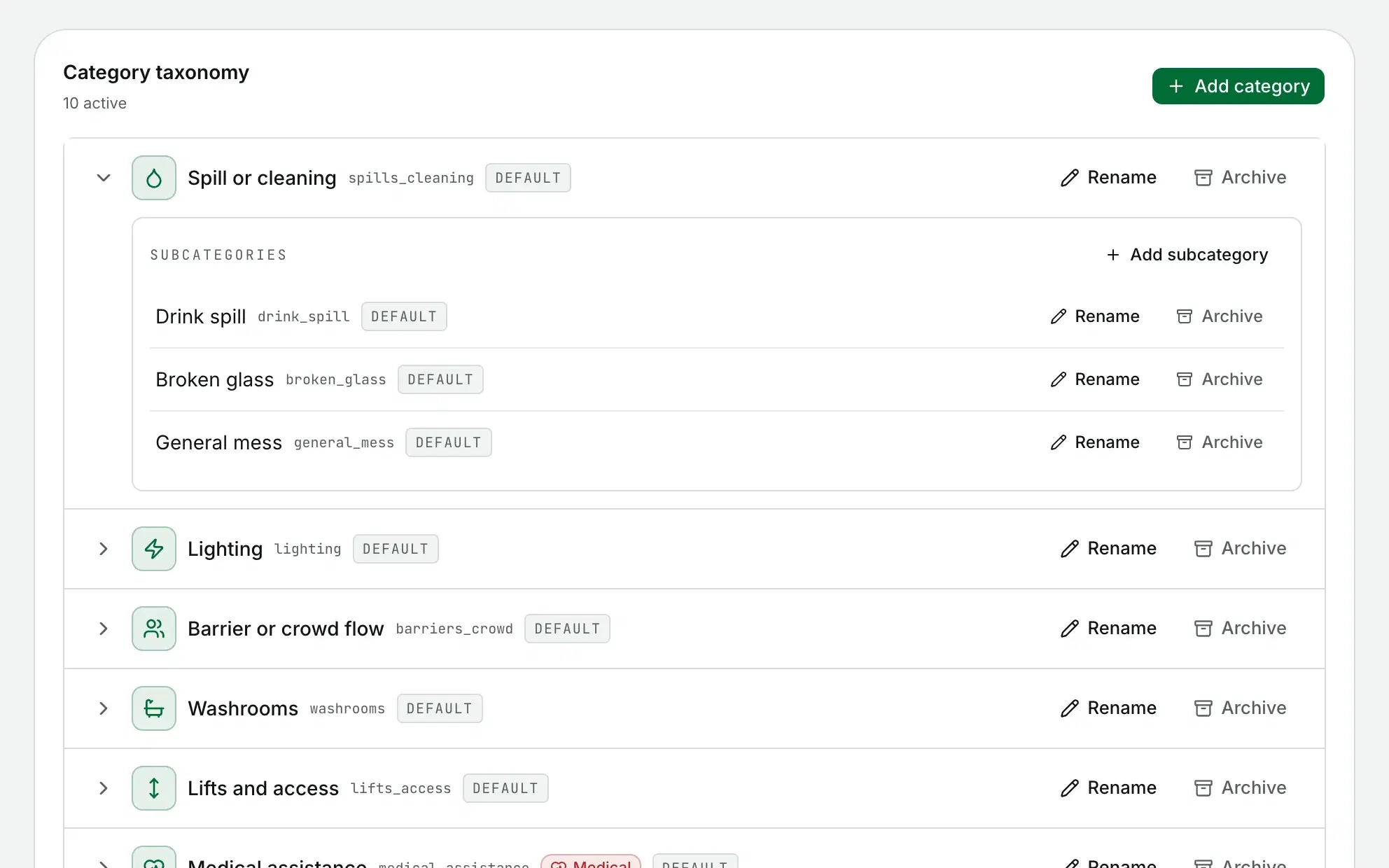
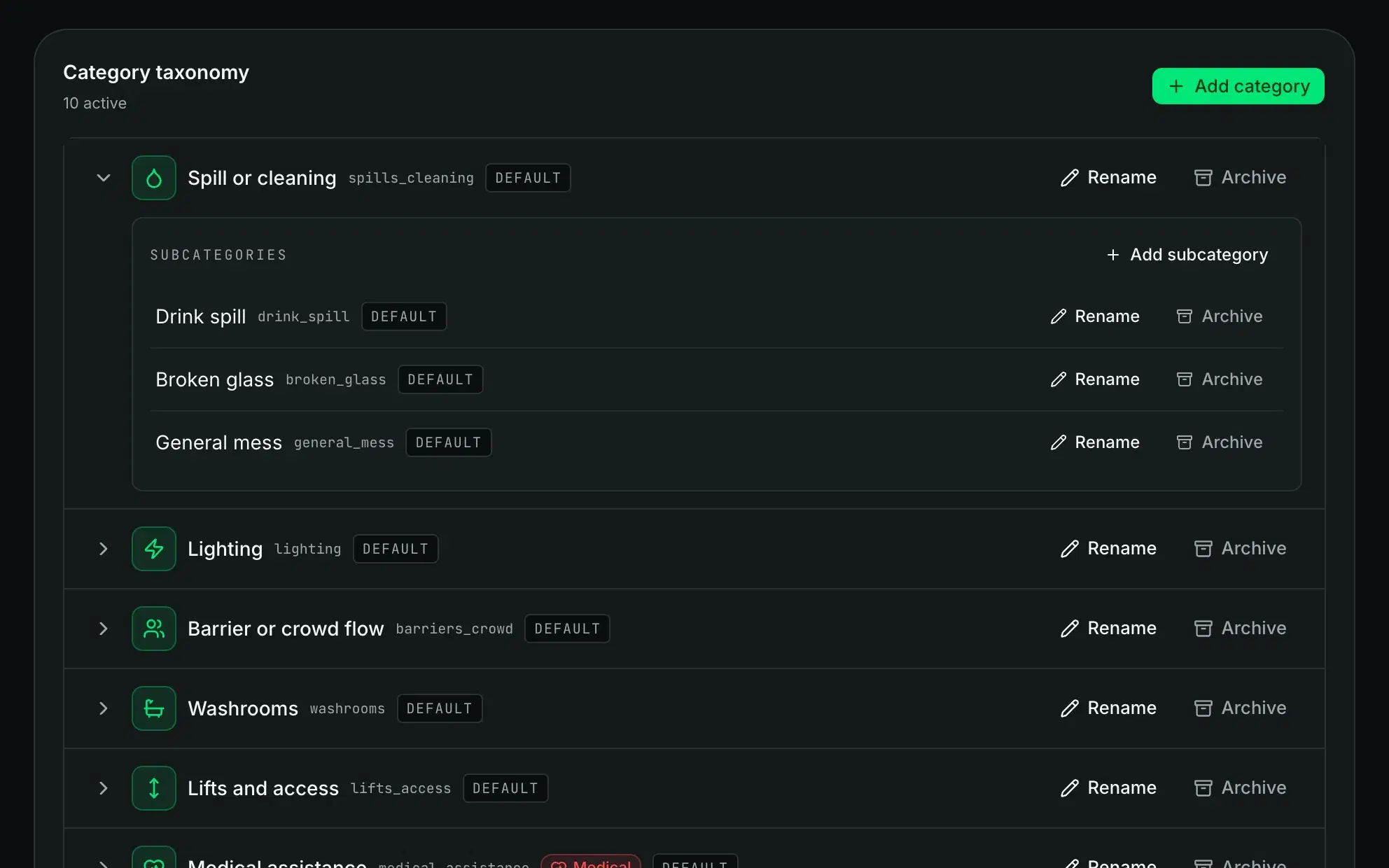
Your own taxonomy
Categories and subcategories are yours to edit.
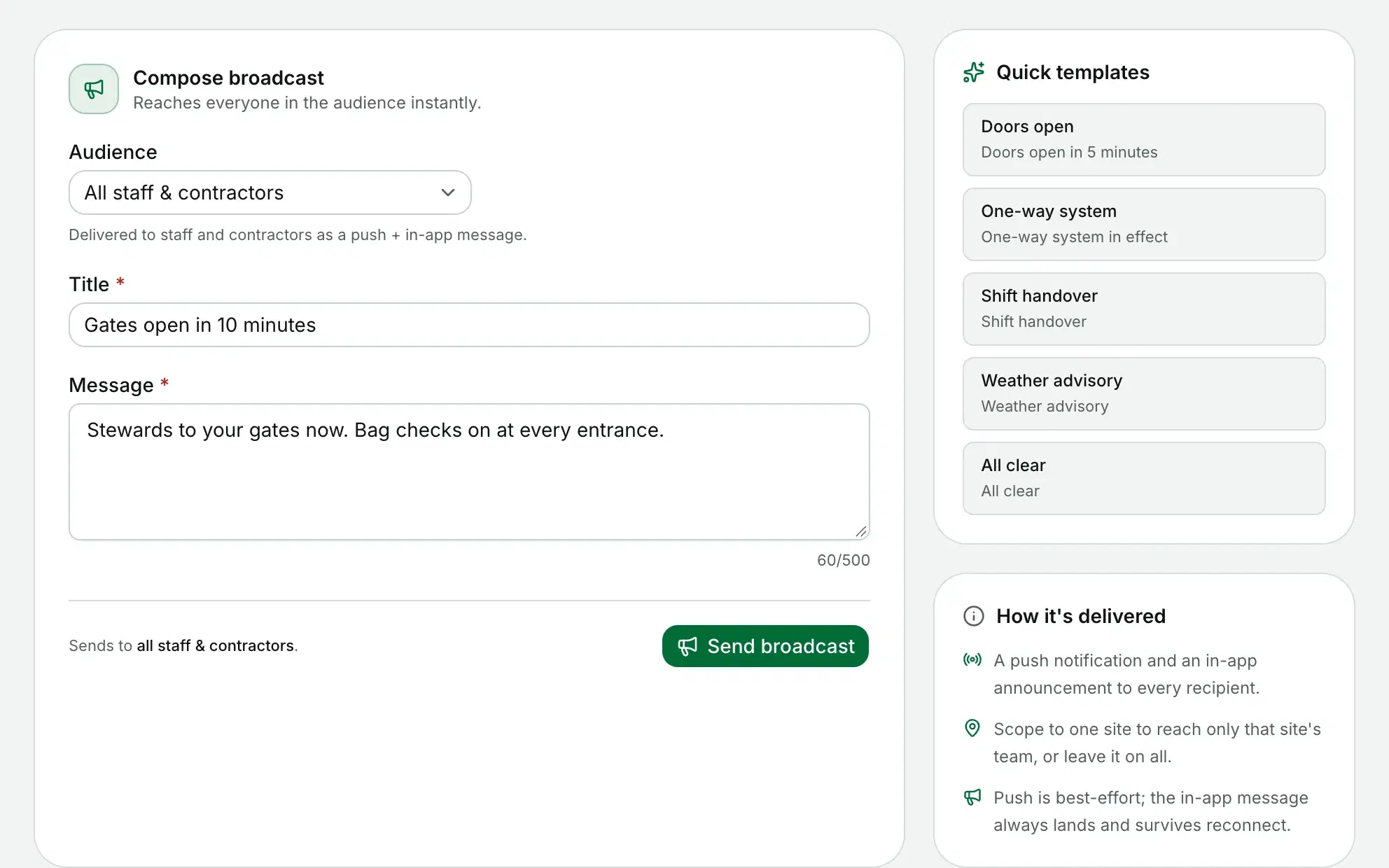
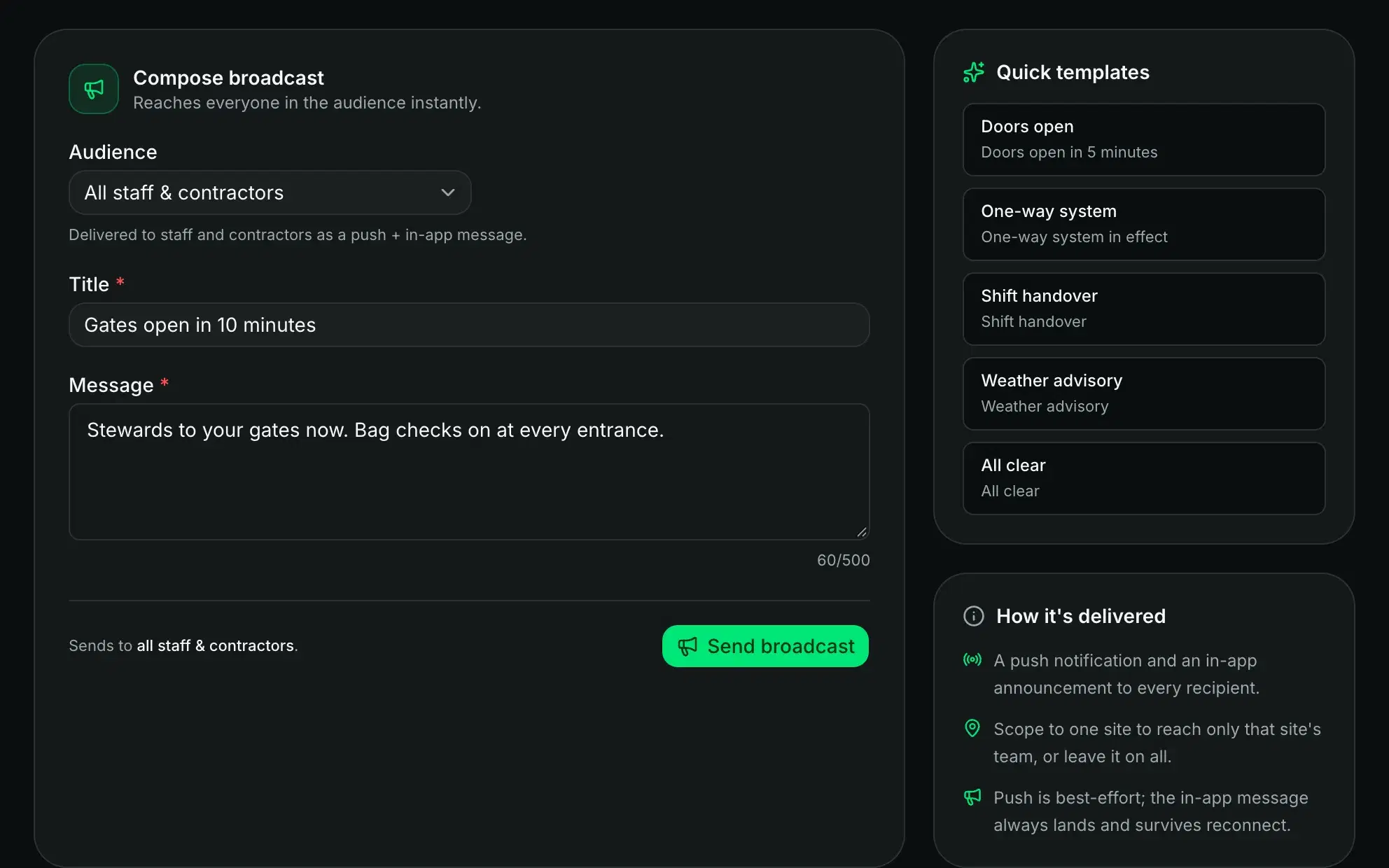
Broadcast to the field
Send one message to all your staff and contractors, or to one site's team.
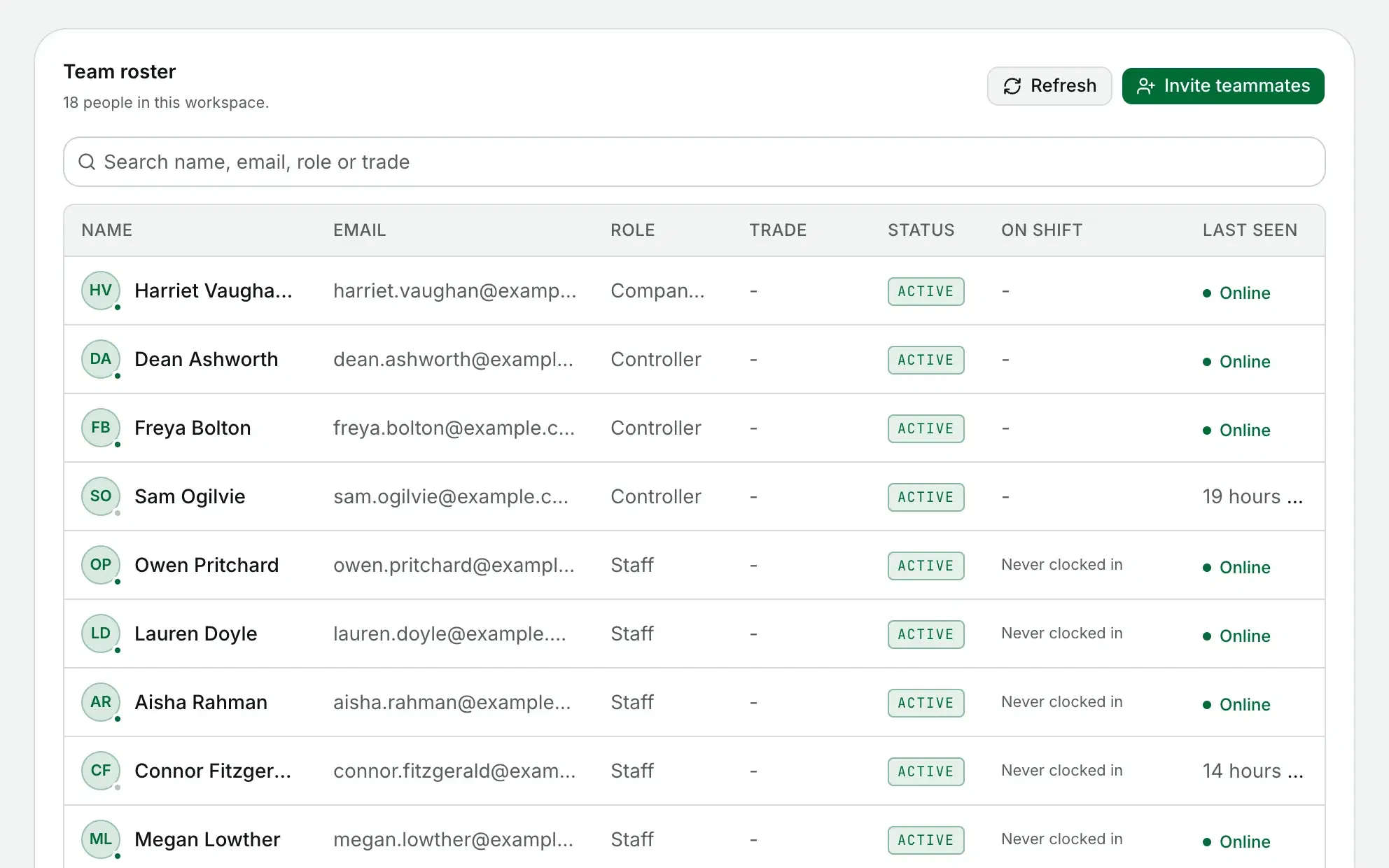
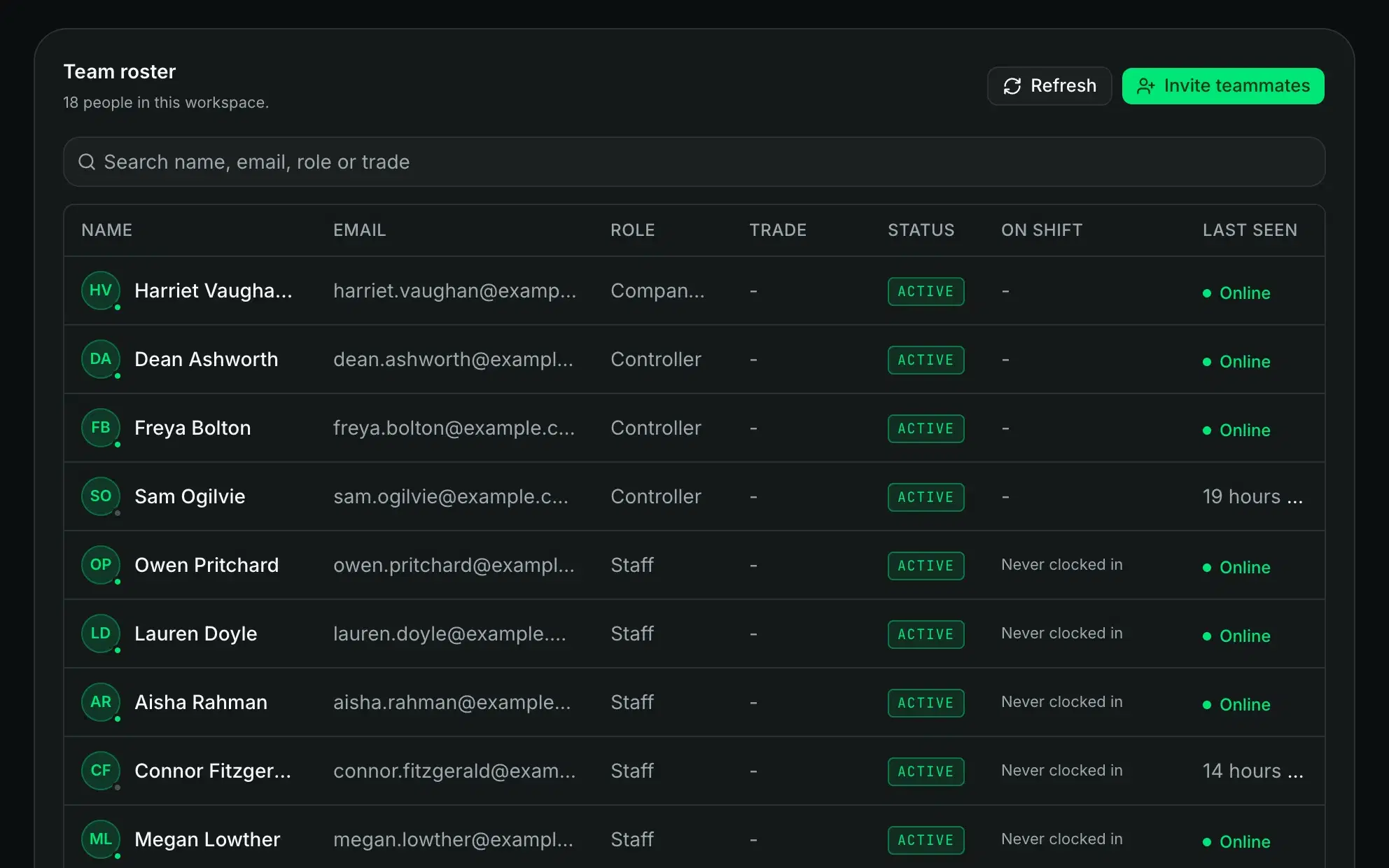
Team and trades
Invite controllers, staff and contractors, and give each contractor a trade.
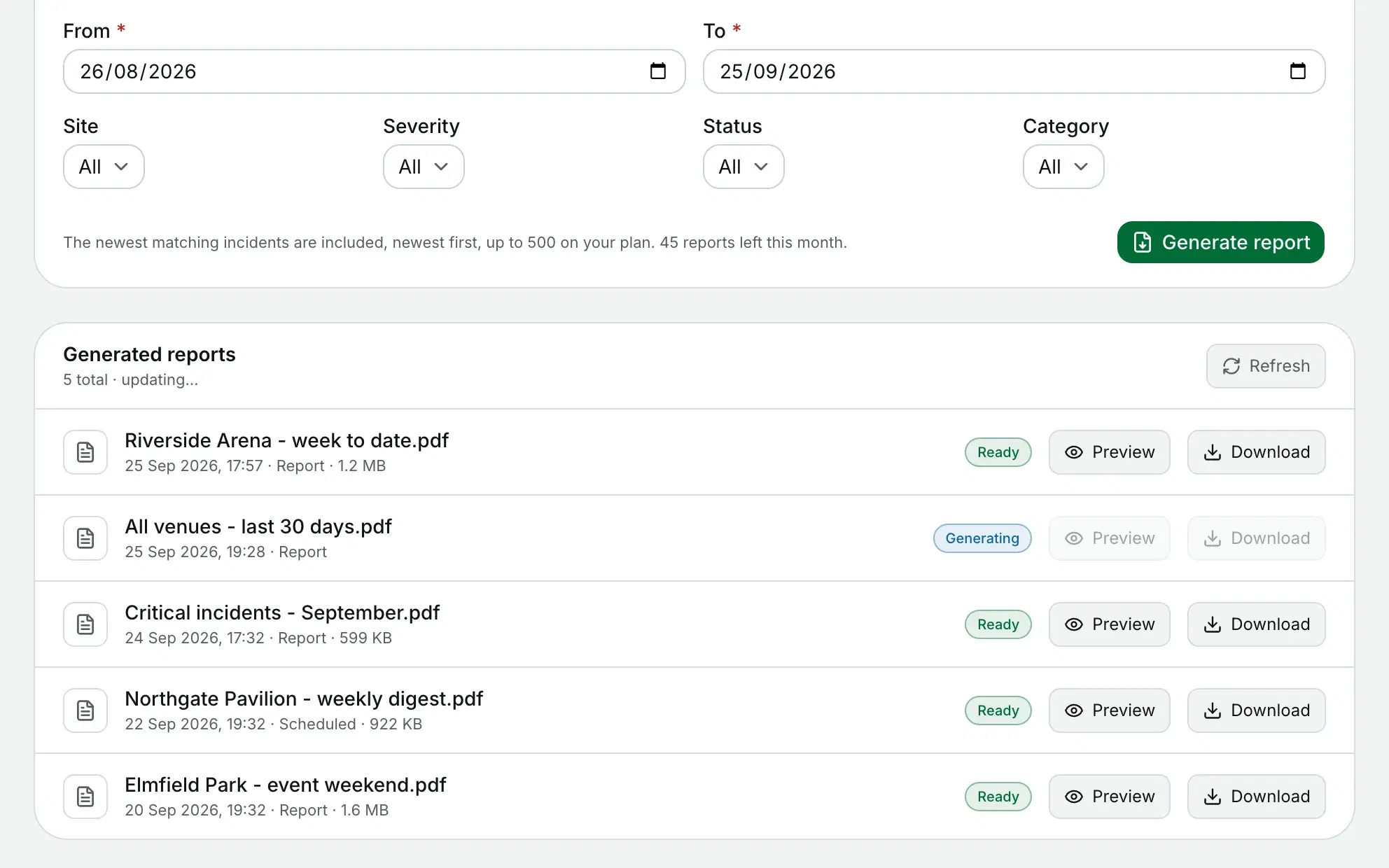
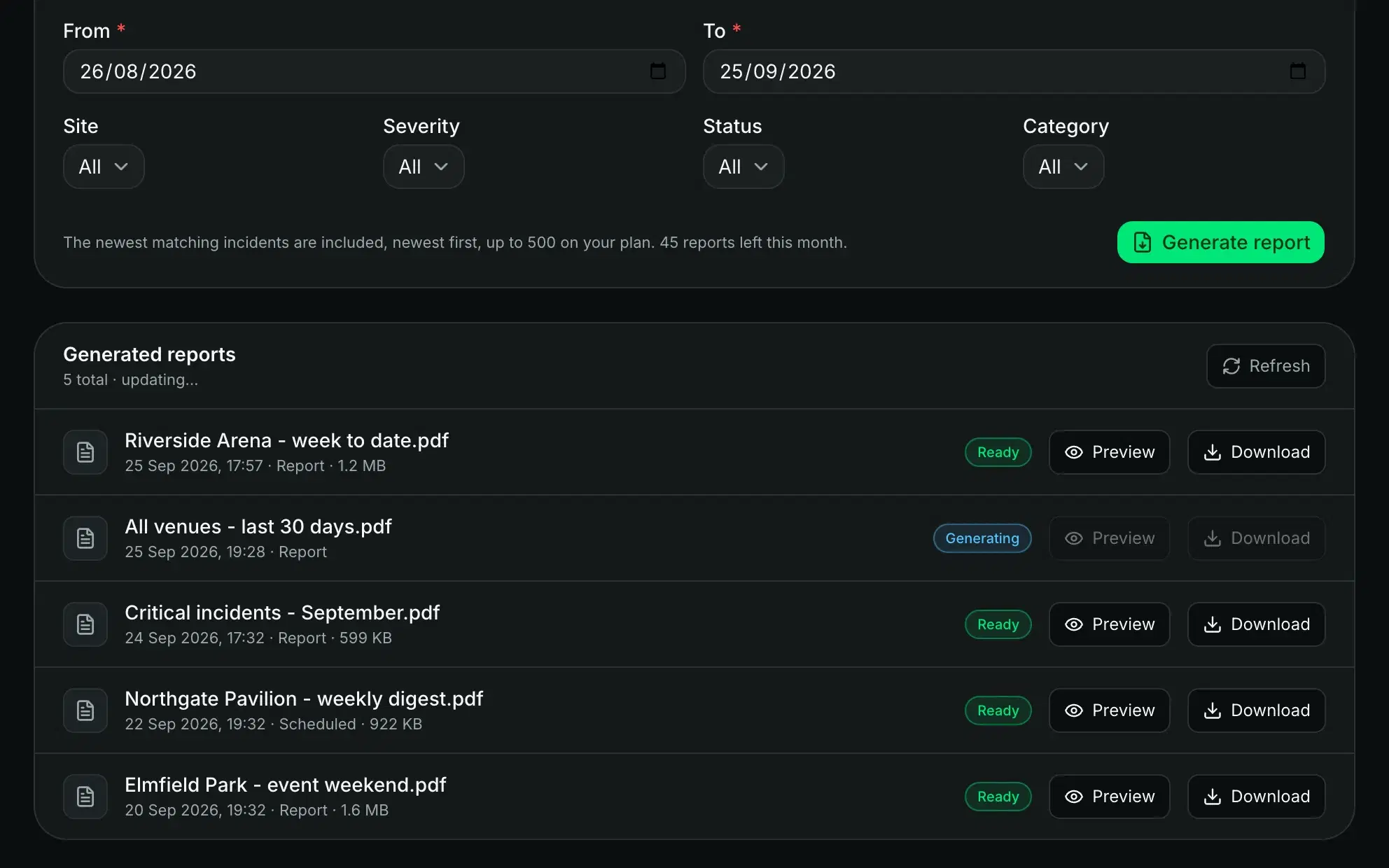
Reports on demand or on a schedule
Pick a date range and filters, and it comes out in your branding.
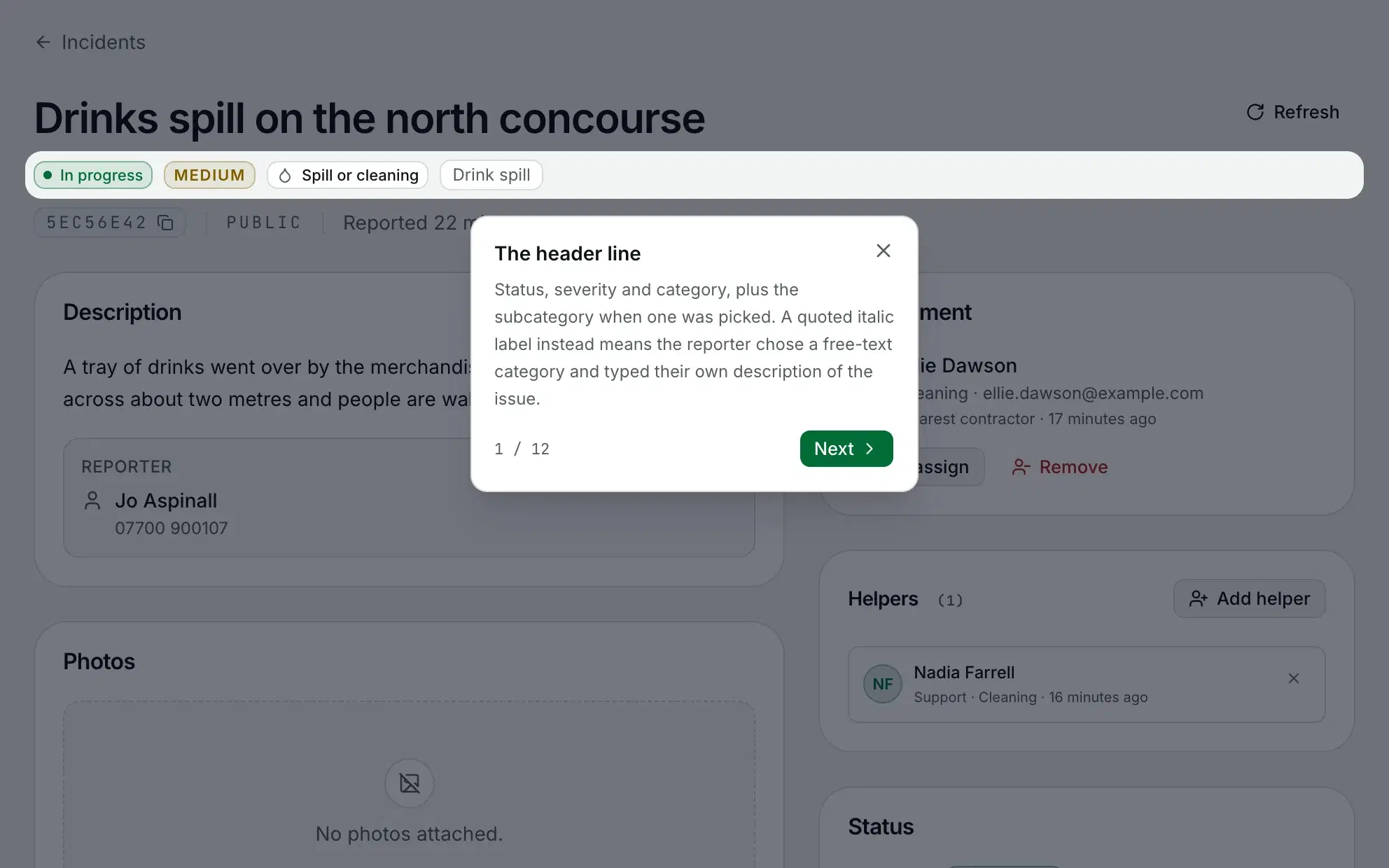
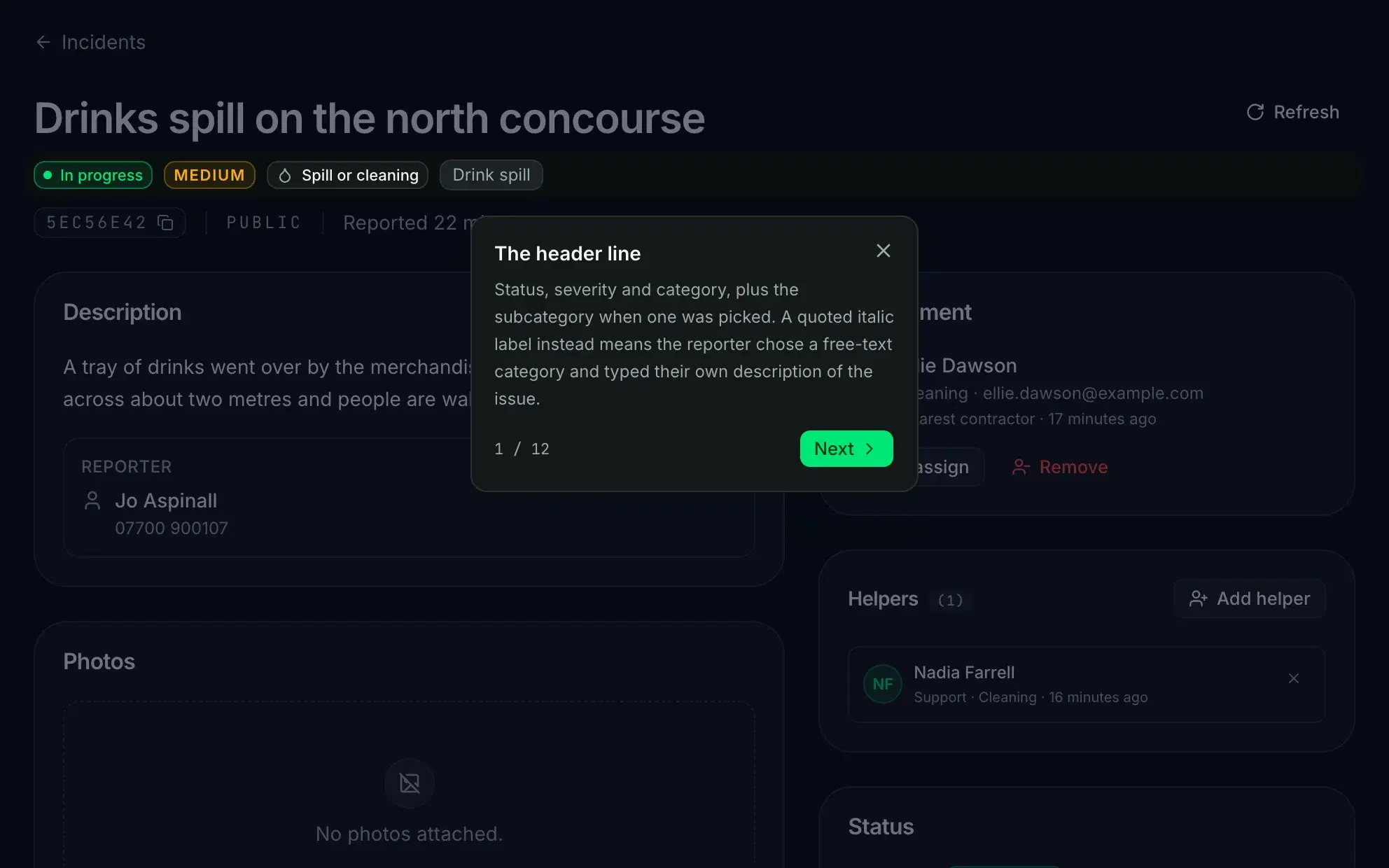
Guided walkthroughs in the product
Most screens carry a short tour that points at the real controls.
Some of what is on this page depends on your plan. See what each plan includes.